52
3.4.8 Height sensor modify
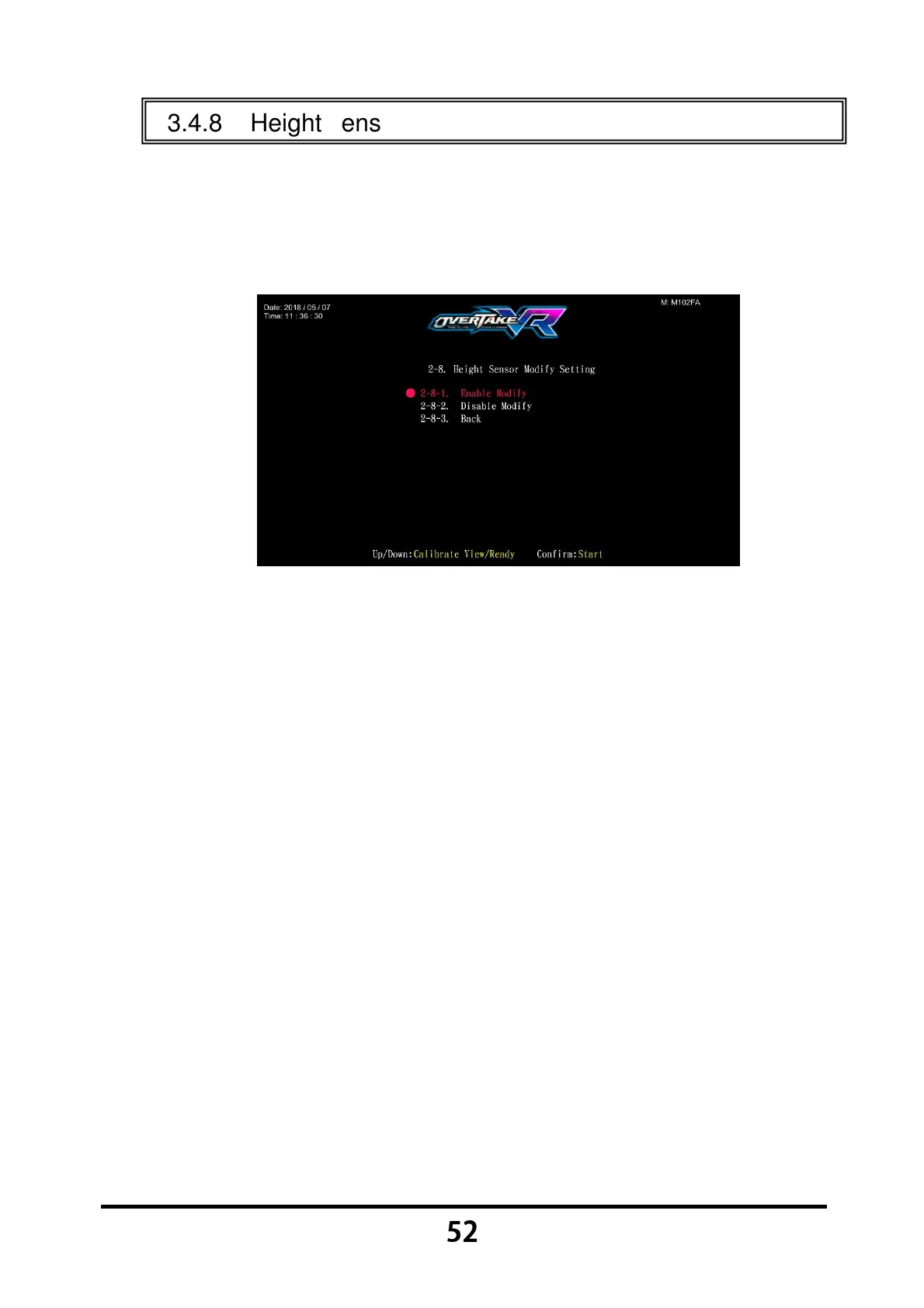
In the page of 【Height sensor modify】, you can set the height sensor modify
on or off.
Enter 【Operator Settings】→【2.System settings】→【2-8. Height
sensor modify】, and the screen will display as below:
Move the cursor to choose the item.
After your preferred setting is chosen, press the 【Start】 button, and
return to 【System settings】.
Move the cursor to 【2-8-3.Back】 and press the 【Start】 button to return
to 【System settings】.


 To Next Page