62
3.6 Income data
In the page of 【Income data】, you can check the daily, monthly and total
revenue.
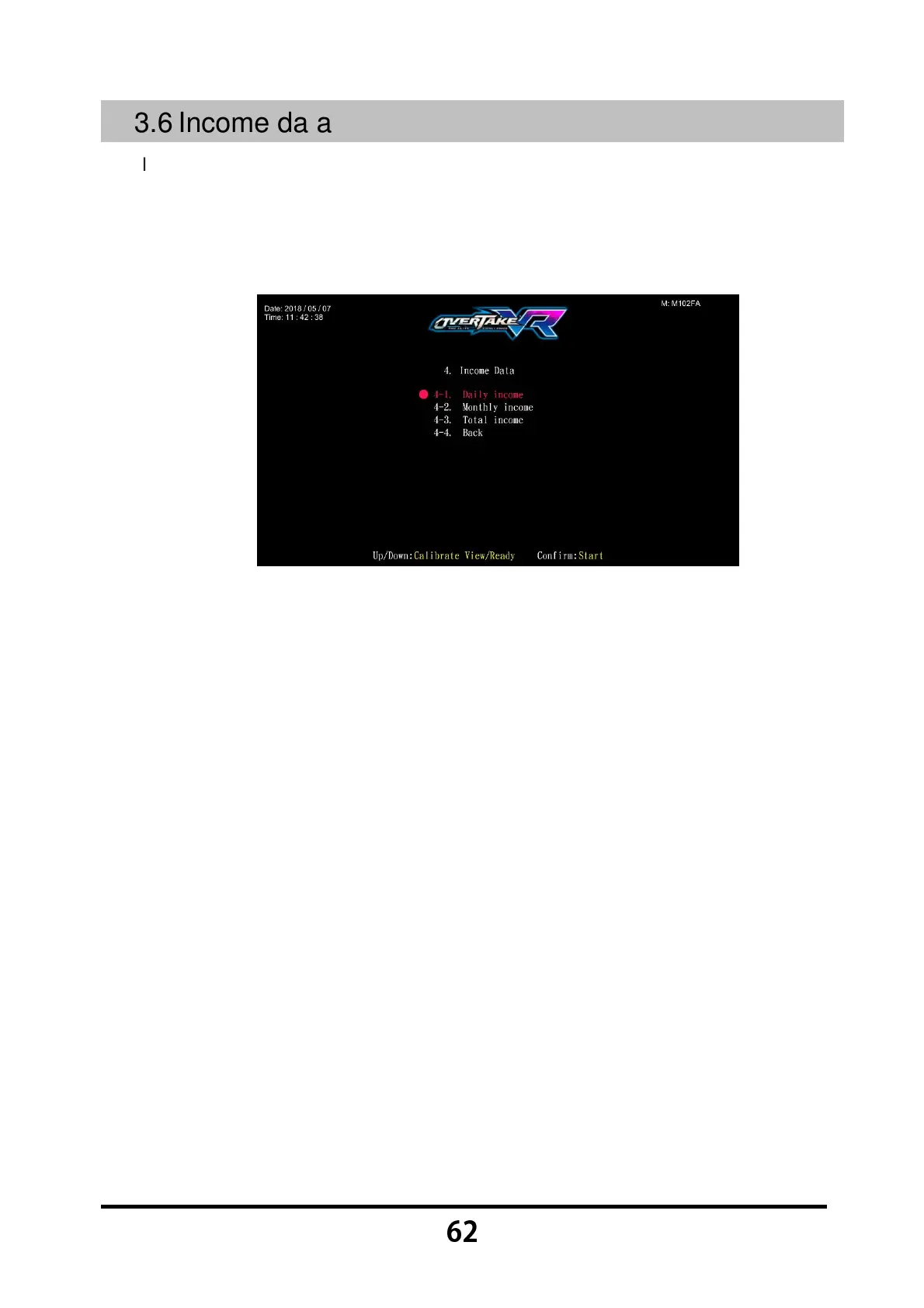
Enter 【Operator Settings】→【4.Income data】, and the screen will display
as below:
Use the 【Calibrate View】 button and 【Ready】 button to move the cursor,
then press the 【Start】 button to enter the sub menu.
Move the cursor to 【4-4.Back】 and press the 【Start】 button to return to
【Operator Settings】.
Regarding the detailed data of the sub menu in the 【Income data】, refer to the
following content.



 To Next Page