70
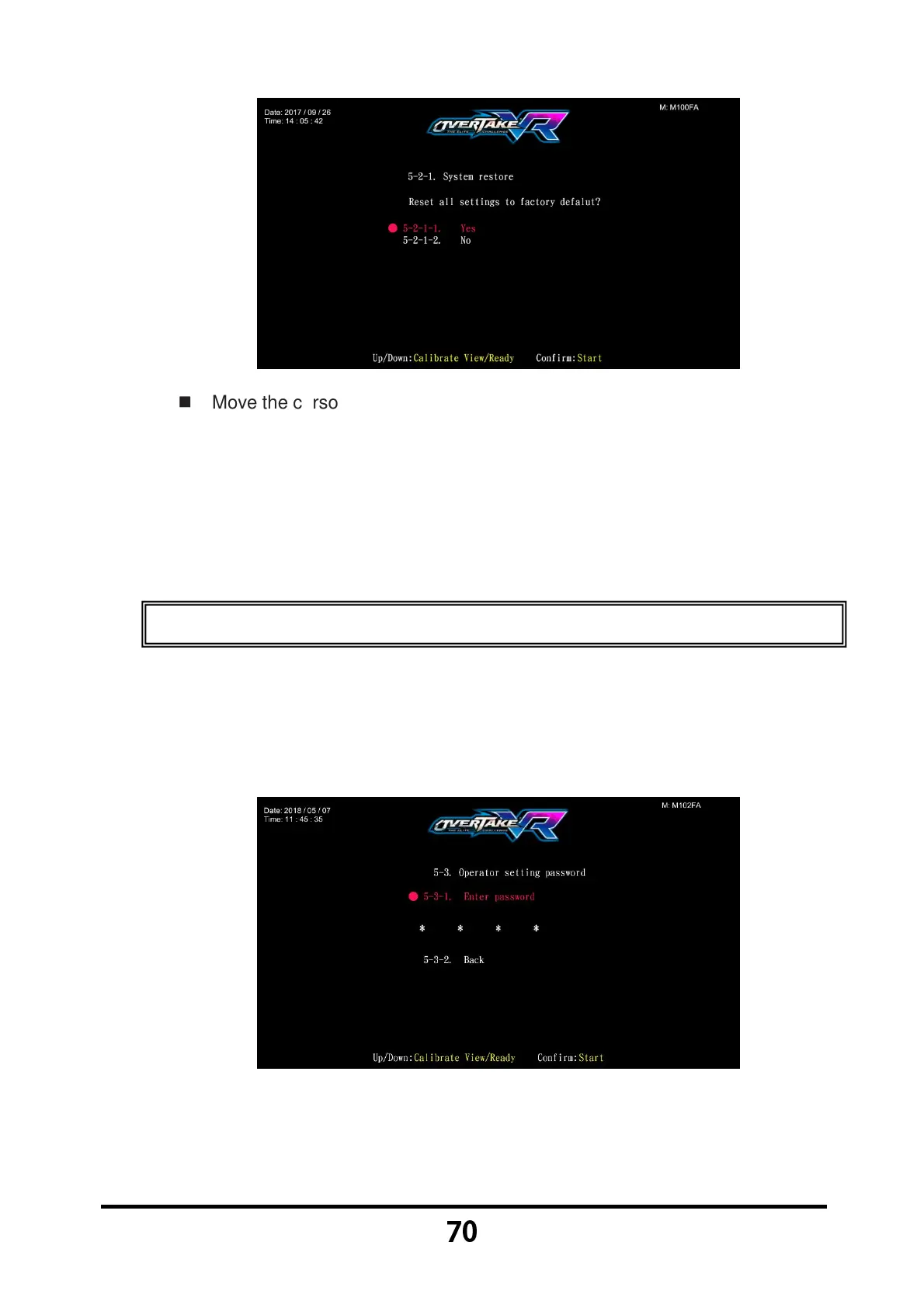
Move the cursor to choose 【5-2-1-1.Yes】, and press the 【Start】 button
to reset system settings。
After the resetting process, an icon of 【Reset completed】 will pop up,
then press the 【Start】 button to return to 【5.System reset】.
When 【5-2-1-2.No】 is chosen, then the screen will automatically direct
to the page of 【5.System reset】.
3.7.3 Ranking board reset
In the page of 【Ranking board reset】, you can reset the ranking board
record to the default setting.
Enter 【Operator Settings】→【5.System reset】→【5-3. Ranking board
reset】, and the screen will display as below:
Move the cursor to choose 【Enter password】, and press the 【Start】
button to start entering the set password. Or you can select 【5-3-2.Back】
to exit the page and return to the
【5.System reset】.



 To Next Page