15
1.4 VR Headset Calibration and Wearing Instructions
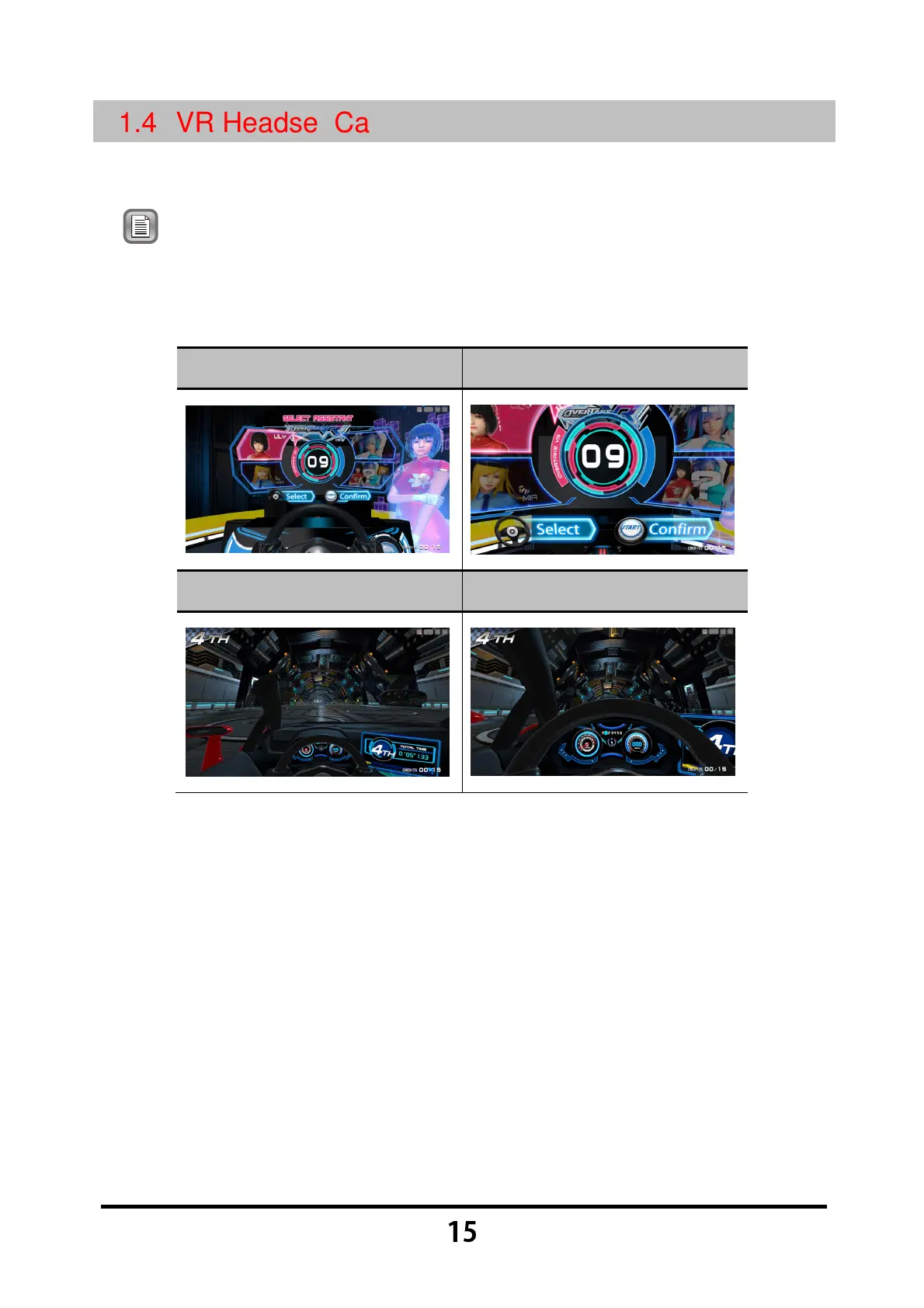
If the screen of the VR headset during play is too different from the correct
screen, perform a manual calibration procedure to adjust the VR headset.
Note: If the message 【
【【
【
Please ask the staff to calibrate the VR device
】
】】
】
is
displayed on the screen or if the
【
【【
【
VR headset icon shown on the
upper-right corner of the screen is gray for an extended period of time
】
】】
】,
please perform a manual calibration for the VR headset.
Correct screen (Tutorial)
Error screen (Tutorial)
Correct screen (Racing)
Error screen (Racing)
Manual calibration procedures for the VR headset are listed below:
While the game is in progress, press the 【
【【
【
Emergency stop
】
】】
】 button and
then remove the VR headset.
After verifying that the VR headset icon shown in the upper-right corner of
the screen is green (detection successful), place the VR headset
horizontally inside the headset stand.
Press and hold the 【
【【
【
Calibrate View
】
】】
】
button located on the right or left
side of the cabinet for 2 seconds.
Wait until the calibration timer counts down and "OK" is displayed on the
screen.



 To Next Page