56
3.5.2 Volume setting
In the page of 【Volume setting】, you can determine the start time of daytime
and evenings and the corresponding volume.
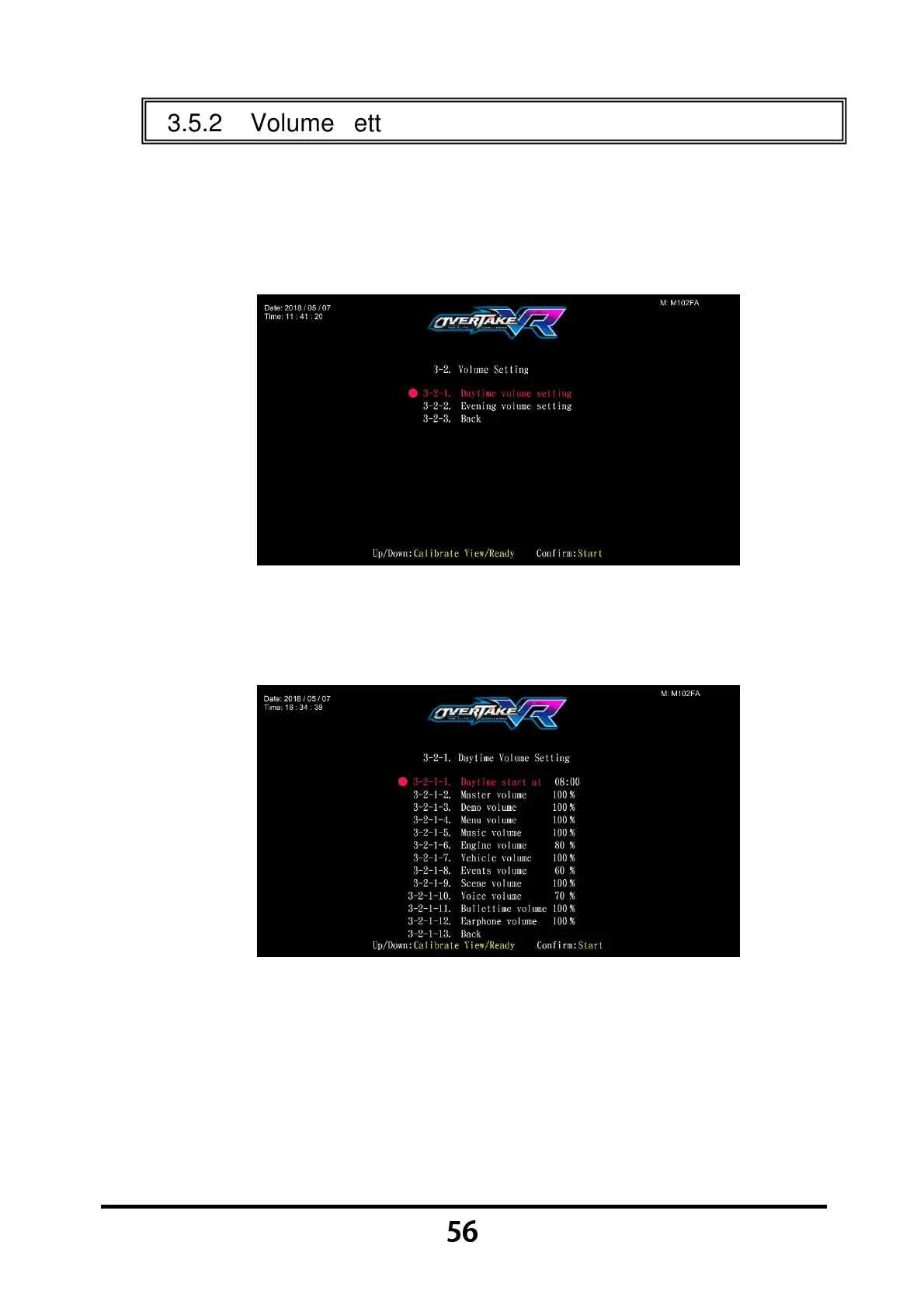
Enter 【Operator Settings】→【3.Game settings】→【3-2.Volume
setting】, and the screen will display as below:
Move the cursor to choose the 【Daily(Evening) Volume setting】, then
press the 【Start】 button to enter the page of 【Daily(Evening) Volume
setting】, and the screen will display as below:
Move the cursor to choose the item, then press the 【Start】 button to
start the process.
When the setting process is completed, move the cursor to 【Back】, and
press the 【Start】 button to return to 【Volume setting】.
In the page of 【Volume setting】, Move the cursor to 【3-2-3.Back】, and
press the
【Start】 button to return to 【Game settings】.



 To Next Page