67
3.7 System reset
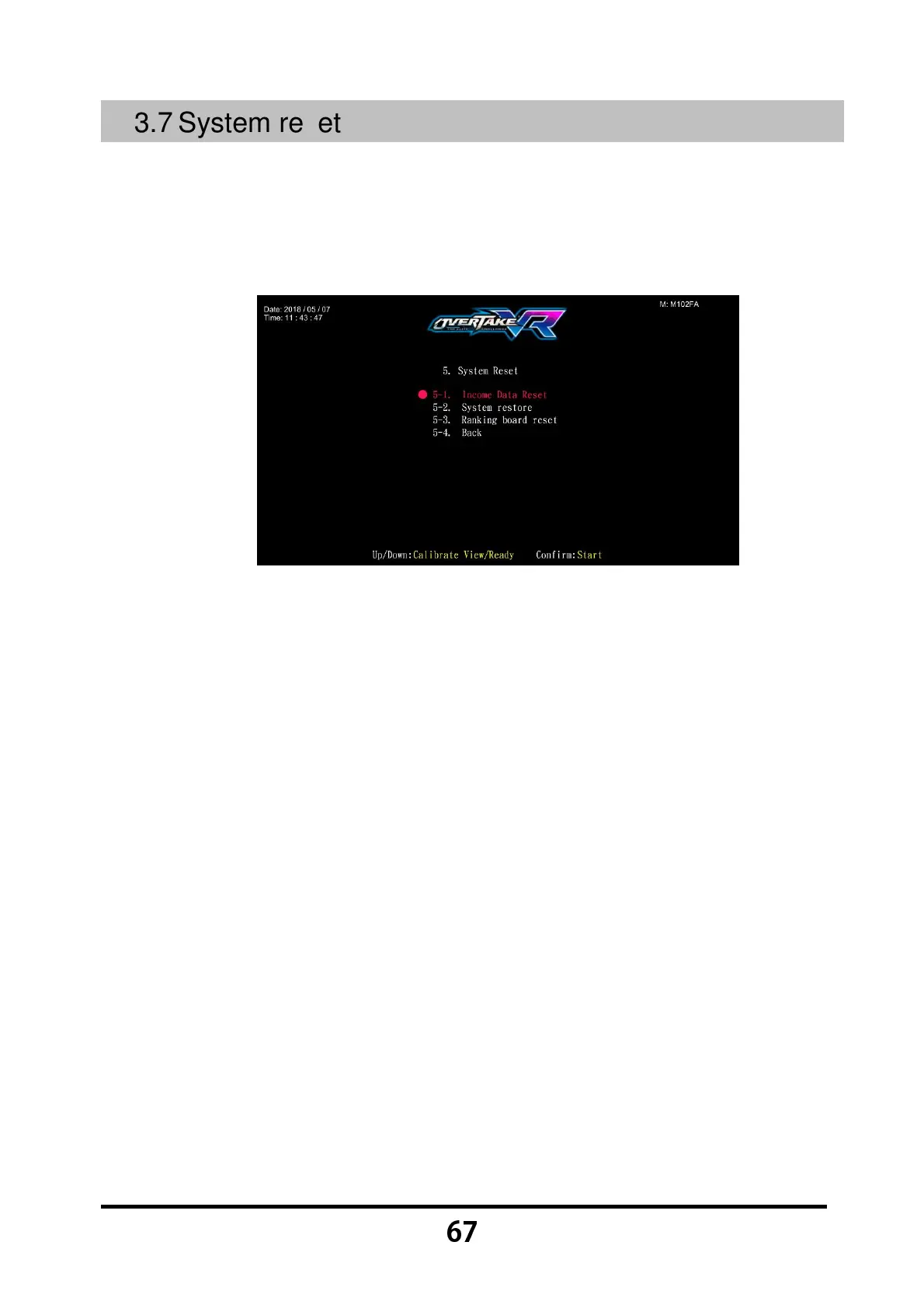
In the page of 【System reset】, you can delete the income data or set the system
to the default setting.
Enter 【Operator Settings】→【5.System reset】, and the screen will display
as below:
Use the 【Calibrate View】 button and the 【Ready】 button to move the cursor,
then press the 【Start】 button to enter the sub menu.
When the setting is completed, move the cursor to 【5-4.Back】, and press the
【Start】 button to return to 【Operator Settings】.
Regarding the detailed descriptions of the sub menu in 【System reset】, refer
to the following content.



 To Next Page