68
3.7.1 Income Data Reset
In the page of 【Income Data Reset】, you can delete the data of daily income
and monthly income.
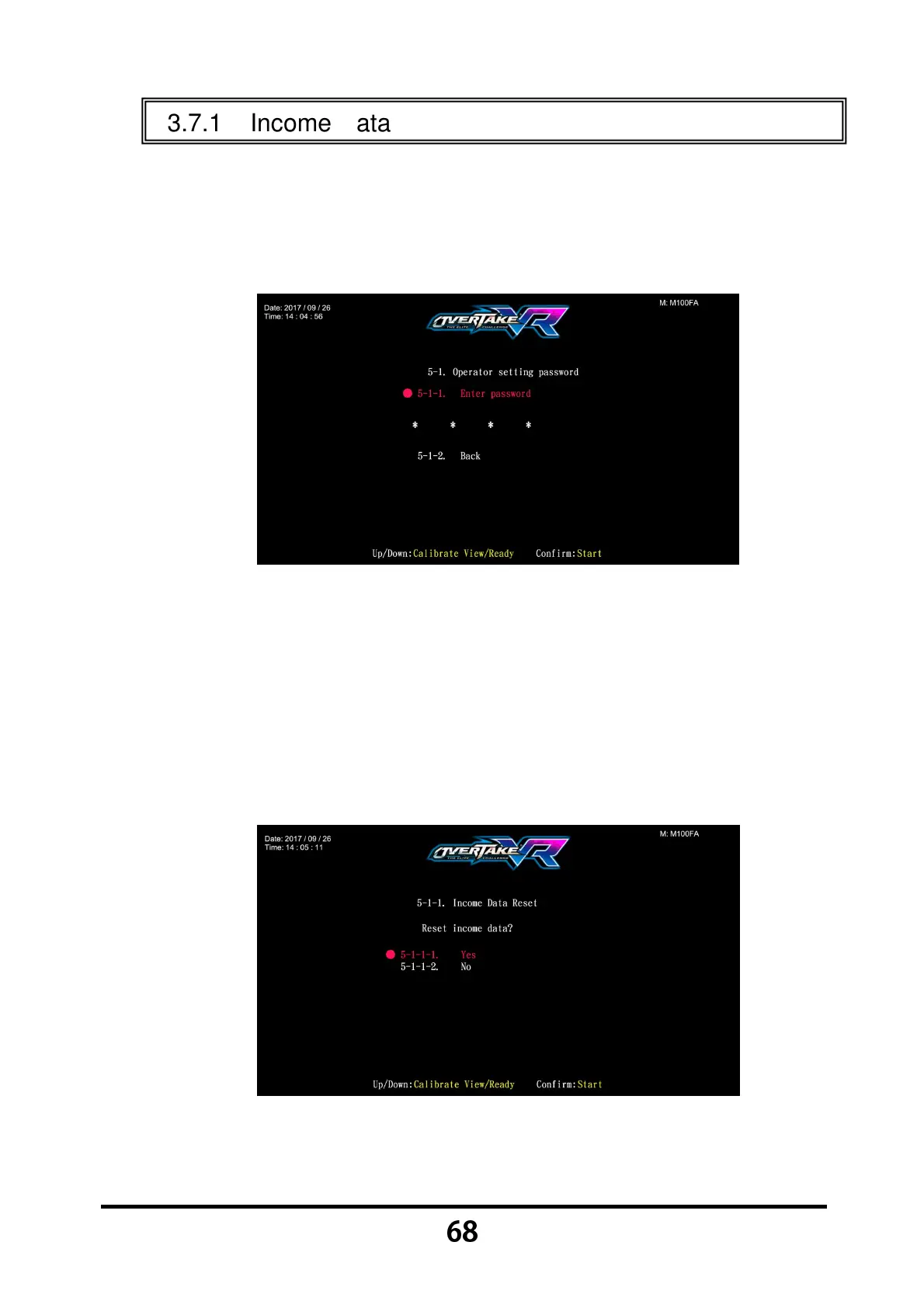
Enter 【Operator Settings】→【5.System reset】→【5-1.Income Data
Reset】, and the screen will display as below:
Move the cursor to choose 【Enter password】, and press the 【Start】
button to start entering the set password. Or you can select 【5-1-2.Back】
to exit the page and return to the 【5.System reset】.
To change, use the 【
【【
【Calibrate View】
】】
】 button and the 【
【【
【Ready】
】】
】 buttons.
Then press the 【Start】 button to enter the selected numbers.
After the password has been entered, the following screen will be
displayed:
Move the cursor to choose 【5-1-1-1.Yes】, and press the 【Start】 button
to reset the data.



 To Next Page