45
3.4.2 Connection Settings
In the page of 【Connection Settings】,you can set the group and the ID of
the cabinet.
Note: To connect to the machine, please set up the same group in the
settings. The recommended ID value settings for the machine, from
left to right, are: 1P, 2P, 3P, 4P.
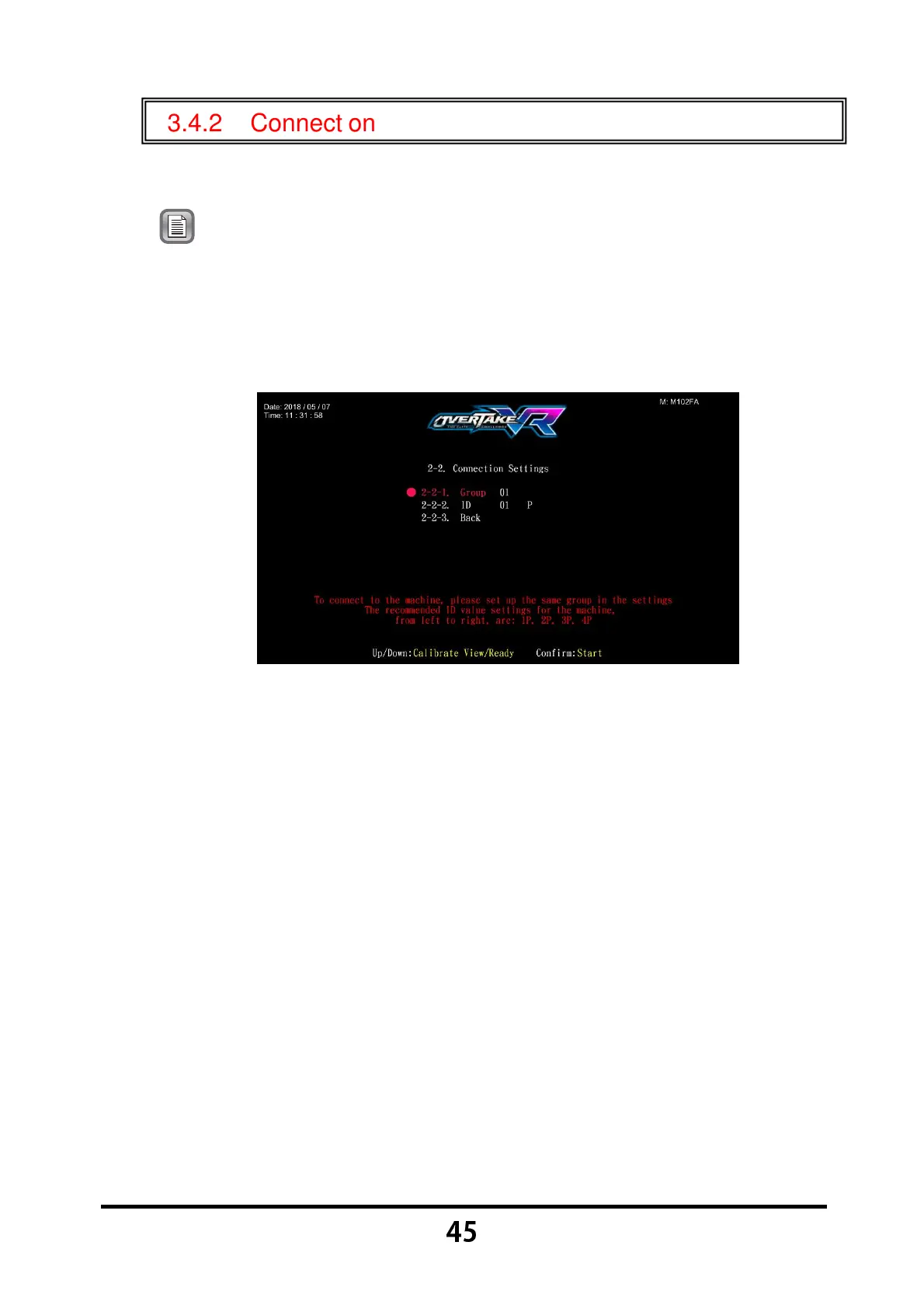
Enter 【Operator Settings】→【2.System settings】→【2-2.Connection
settings】, and the screen will display as below:
Move the cursor to choose the item, then press the 【Start】 button to
start the process.
Choose the 【
【【
【2-2-1.Group】
】】
】, then press the 【Start】 button to setting the
group number of the cabinet.
Choose the 【
【【
【2-2-2.ID】
】】
】, then press the 【Start】 button to setting the ID
of the cabinet.
When completed, move the cursor to 【2-2-3.Back】, then press the
【Start】 button to return to the page of 【System settings】.



 To Next Page