44
3.4.1 Time settings
In the page of 【Time settings】, you can set up your local time.
Note:
【Time settings】
will be automatically synchronized with the
server's time when connected to the server.
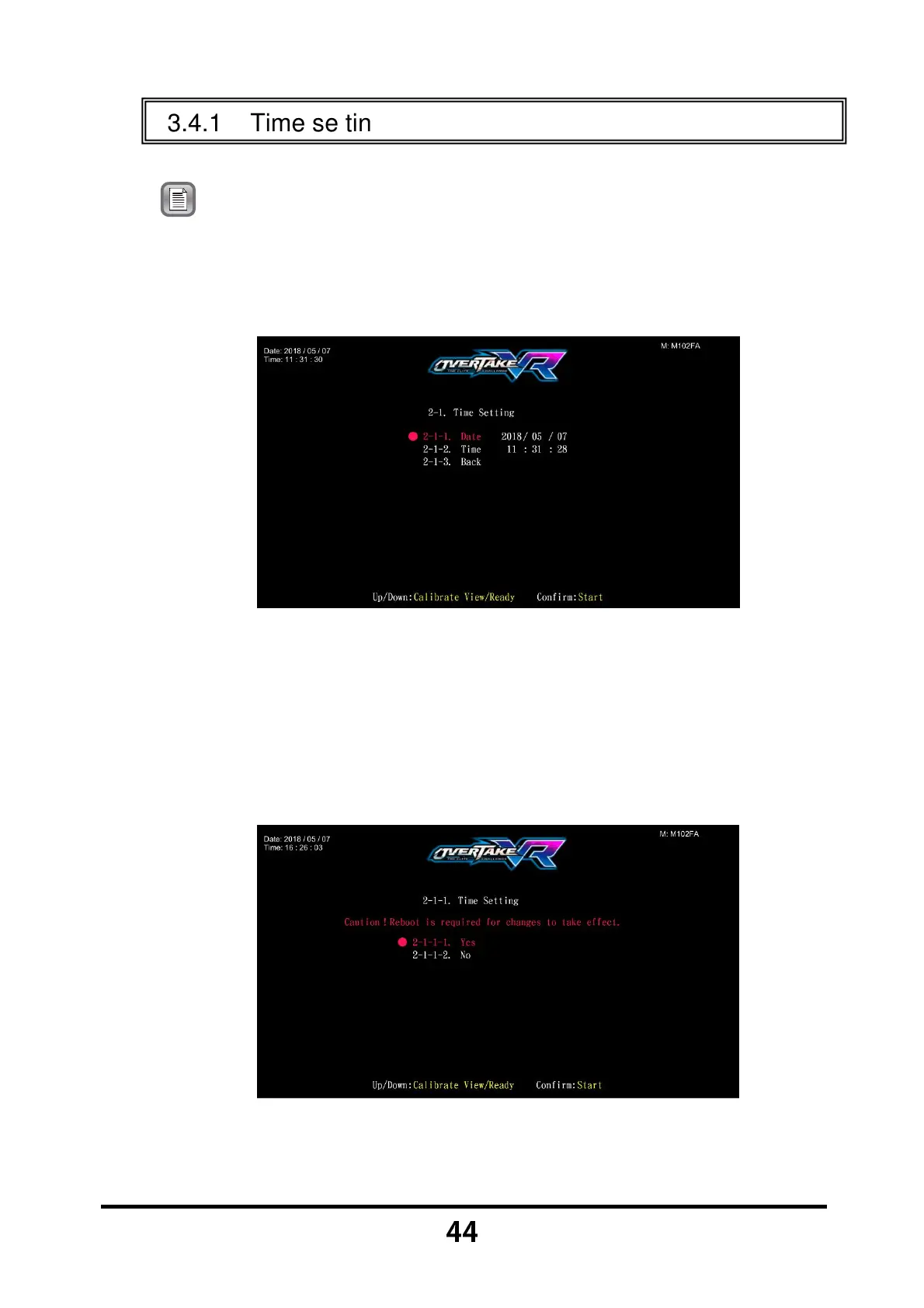
Enter 【Operator Settings】→【2.System settings】→【2-1.Time
settings】, and the screen will display as below:
Choose the item to set up, and press the 【Start】 button.
When the setting process is completed, move the cursor to 【2-1-3.Back】.
When you press the 【Start】 button, an option asking if you want to
restart the machine will appear. This setting will only take effect after
restarting. If you select 【No】 the settings will not be saved and you will
be taken back to the 【System settings】 page.



 To Next Page