49
3.4.5 Password setting
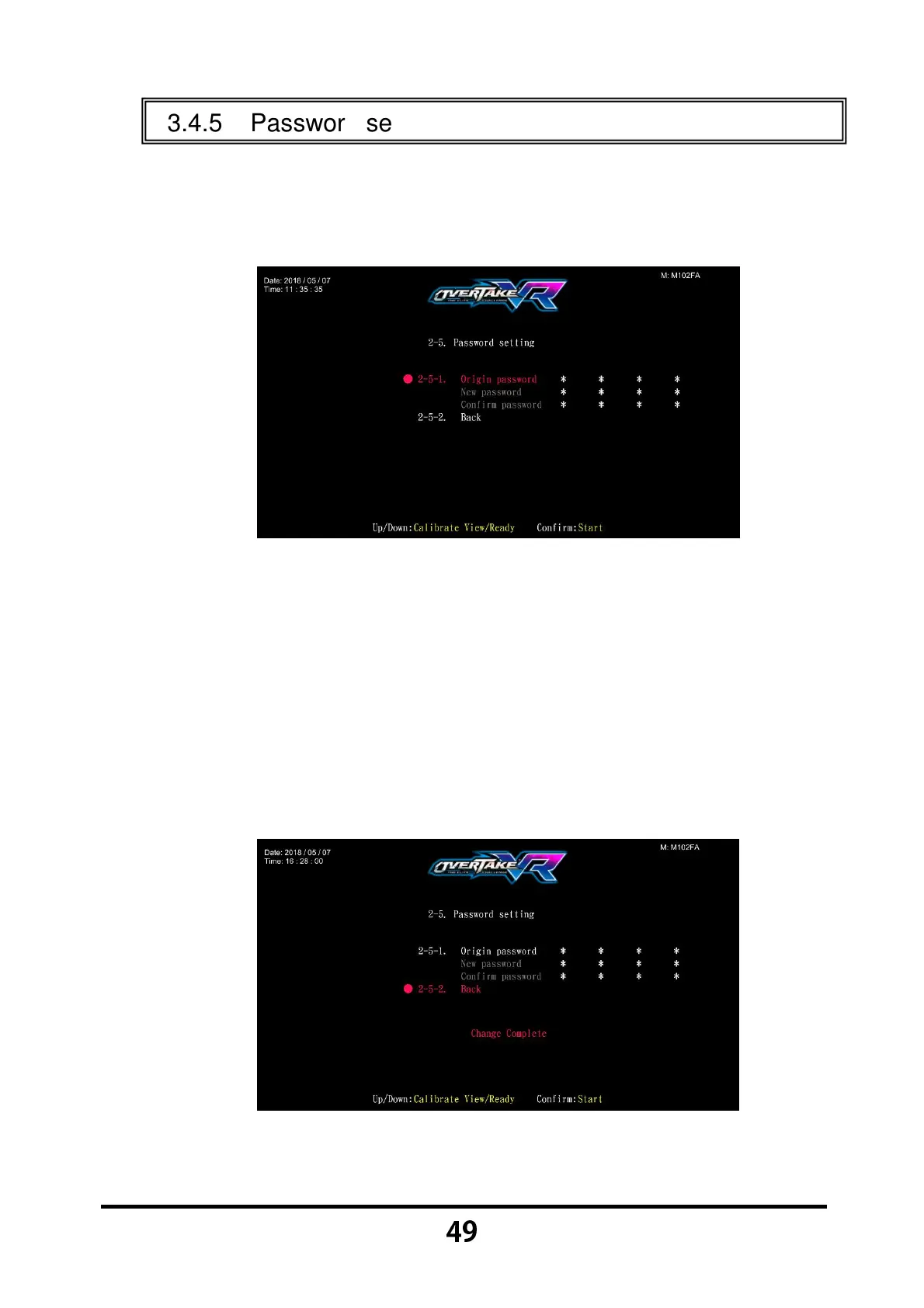
In the page of 【Password setting】, you can reset your password.
Enter 【Operator Settings】→【2.System settings】→【2-5.Password
setting】, and the screen will display as below:
Press the 【Start】 button to enter origin password.
To change, use the 【
【【
【Calibrate View】
】】
】 and 【
【【
【Ready】
】】
】 buttons. Then
press the 【Start】 button to enter the selected numbers.
After the origin password has been entered, you can continue to enter and
confirm the new password.
Once the new password has been entered and confirmed, 【
Change
Complete
】 will appear in red below, and the cursor will automatically jump
to 【2-5-2.Back】.
Press the 【Start】 button to return to the page of 【System settings】.



 To Next Page