40
3.3.10 Air spring test
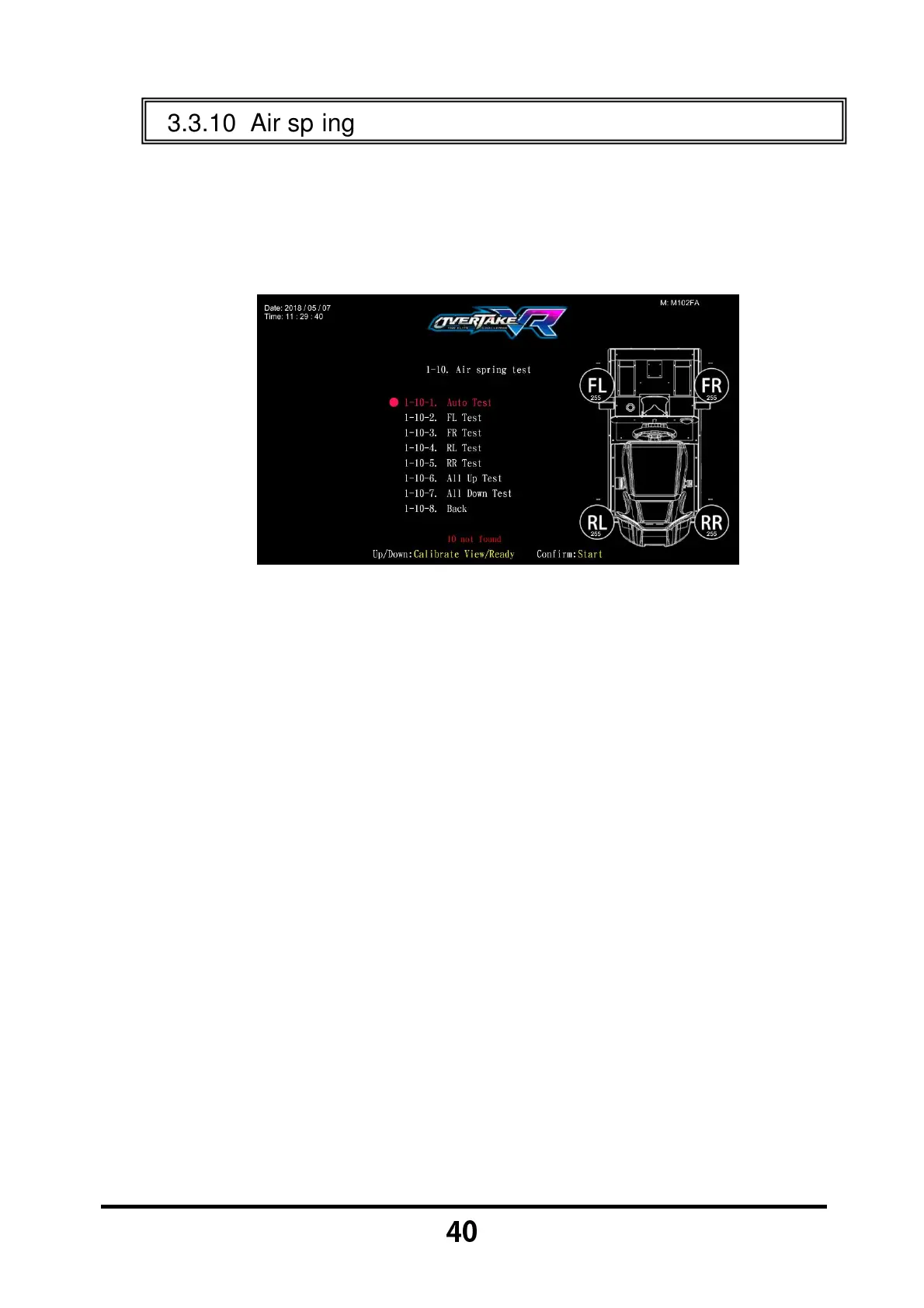
In the page of 【Air spring test】, you can test whether the air spring is
function or not.
Enter 【Operator Settings】→【1.Hardware test】→【1-10.Air spring
test】, and the screen will display as below:
Move the cursor and then press the 【Start】 button to test the air spring
on the cursor you have selected.
While testing, press the 【Start】 button will stop the test.
When the 【Emergency stop】 has been activate, the warning message
will be appear as 【Motion platform:
::
:The emergency stop has been
activated, press the “Emergency stop” button to deactivate the
emergency stop】.
Move the cursor to 【1-10-8.Back】 and press the 【Start】 button to
return to 【Hardware test】.



 To Next Page