30
3.3 Hardware test
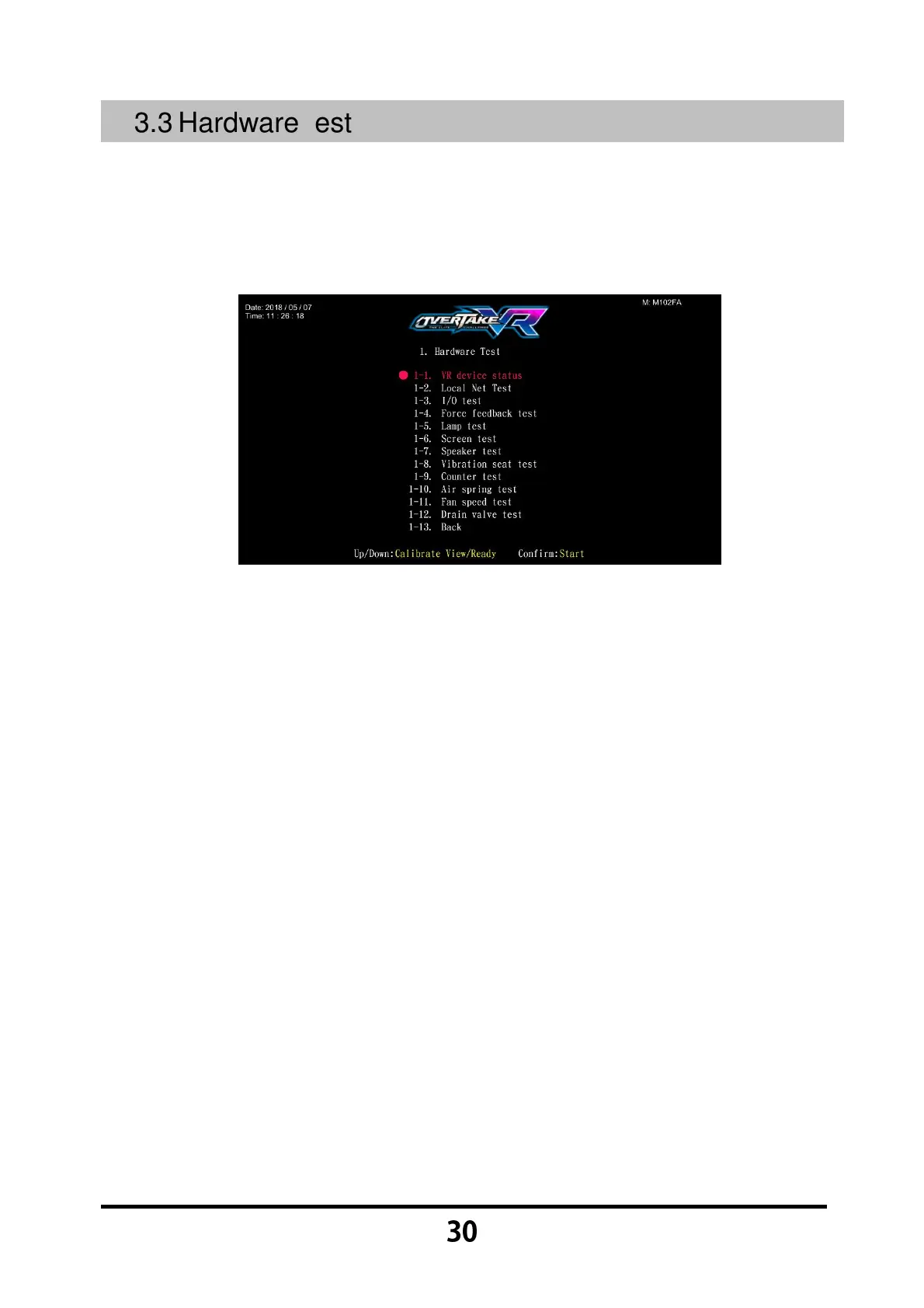
You can enter 【Hardware test】 to test if all hardware is normally functioning or
not.
Enter 【Operator Settings】→【1.Hardware test】 and the screen will display
as below:
Use the 【Calibrate View】 button and 【Ready】 button move the cursor and
press the 【Start】 button to the sub menu.
After testing is conducted, move the cursor to 【1-13.Back】, then press the
【Start】 button to leave this page and return to the 【Operator Settings】.
Regarding detailed descriptions of the sub menu in 【Hardware test】, refer to
the below content.



 To Next Page