59
3.5.5 Track Length setting
In the page of 【Track length setting】, you can determine the track's length.
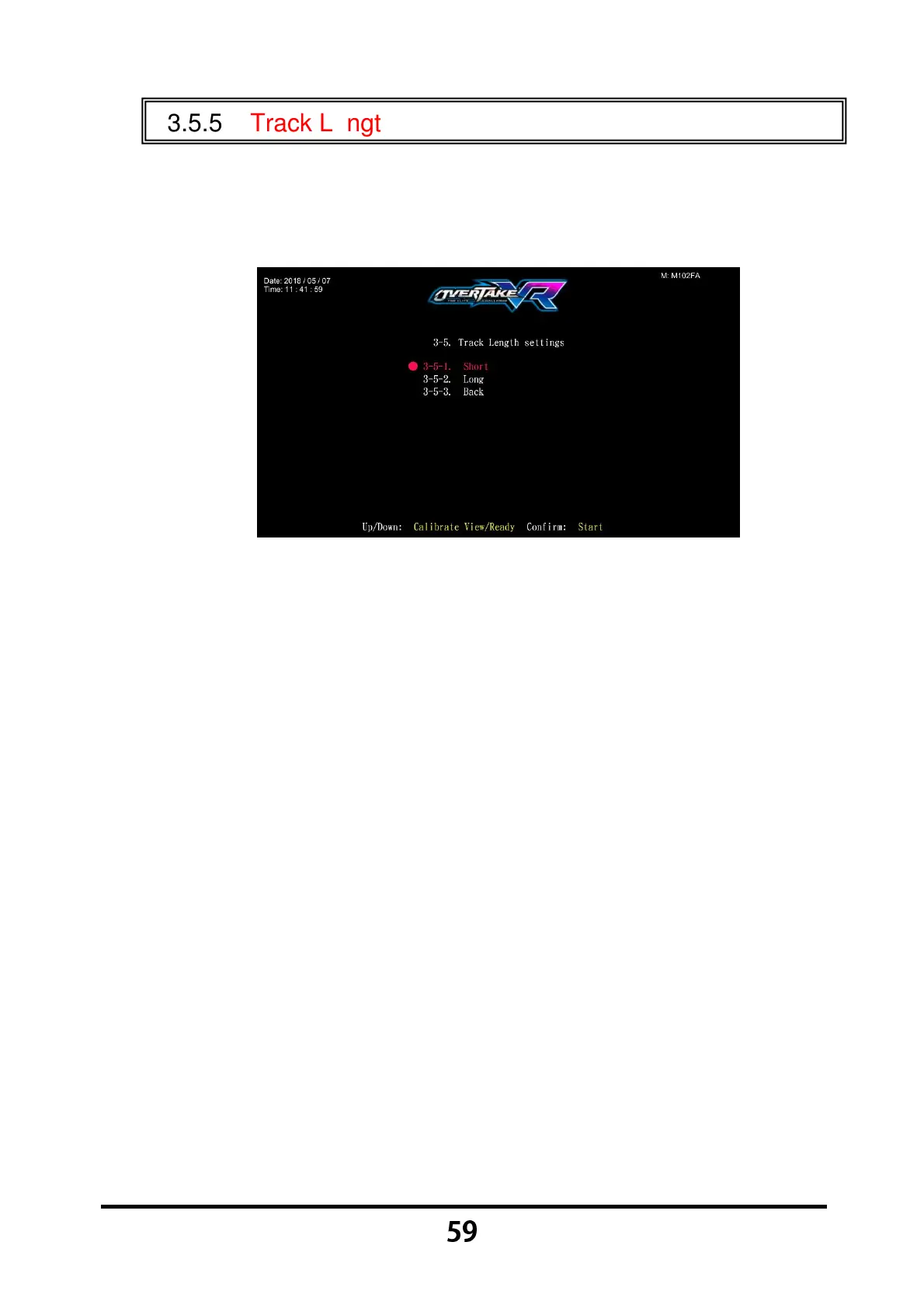
Enter 【Operator Settings】→【3.Game settings】→【3-5. Track length
setting】, and the screen will display as below:
Move the cursor to choose the item.
After your preferred setting is chosen, press the 【Start】 button, and
return to 【Game settings】.
Move the cursor to 【3-5-3.Back】 and press the 【Start】 button to return
to 【Game settings】.



 To Next Page