46
3.4.3 I/O adjustment
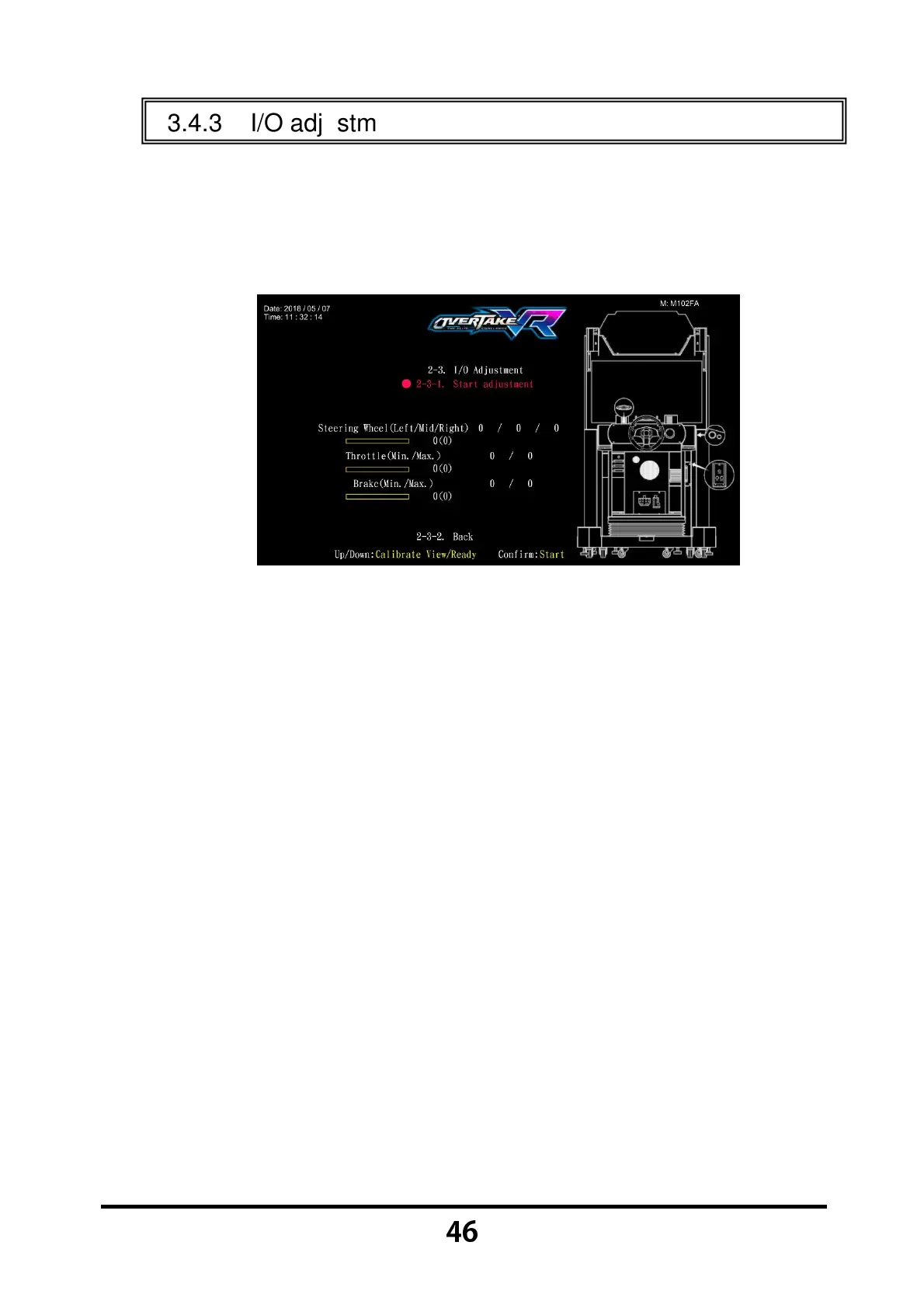
In the page of 【I/O adjustment】, you can adjust the minimum and maximum
value of the throttle, brake and steering wheel.
Enter 【Operator Settings】→【2.System settings】→【2-3.I/O
adjustment】, and the screen will display as below:
Move the cursor to 【Start adjustment】, then press the 【Start】 button
to start the process.
While adjusting, turn the steering wheel to the left end, and press the
【Start】 button to get the value.
Repeat the above step, and calibrate other values.
After all adjustments are made, an icon of 【Adjustment completed】will
pop up, then press the 【Start】 button to return to 【System settings】.



 To Next Page