71
To change, use the 【
【【
【Calibrate View】
】】
】 button and the 【
【【
【Ready】
】】
】 buttons.
Then press the 【Start】 button to enter the selected numbers.
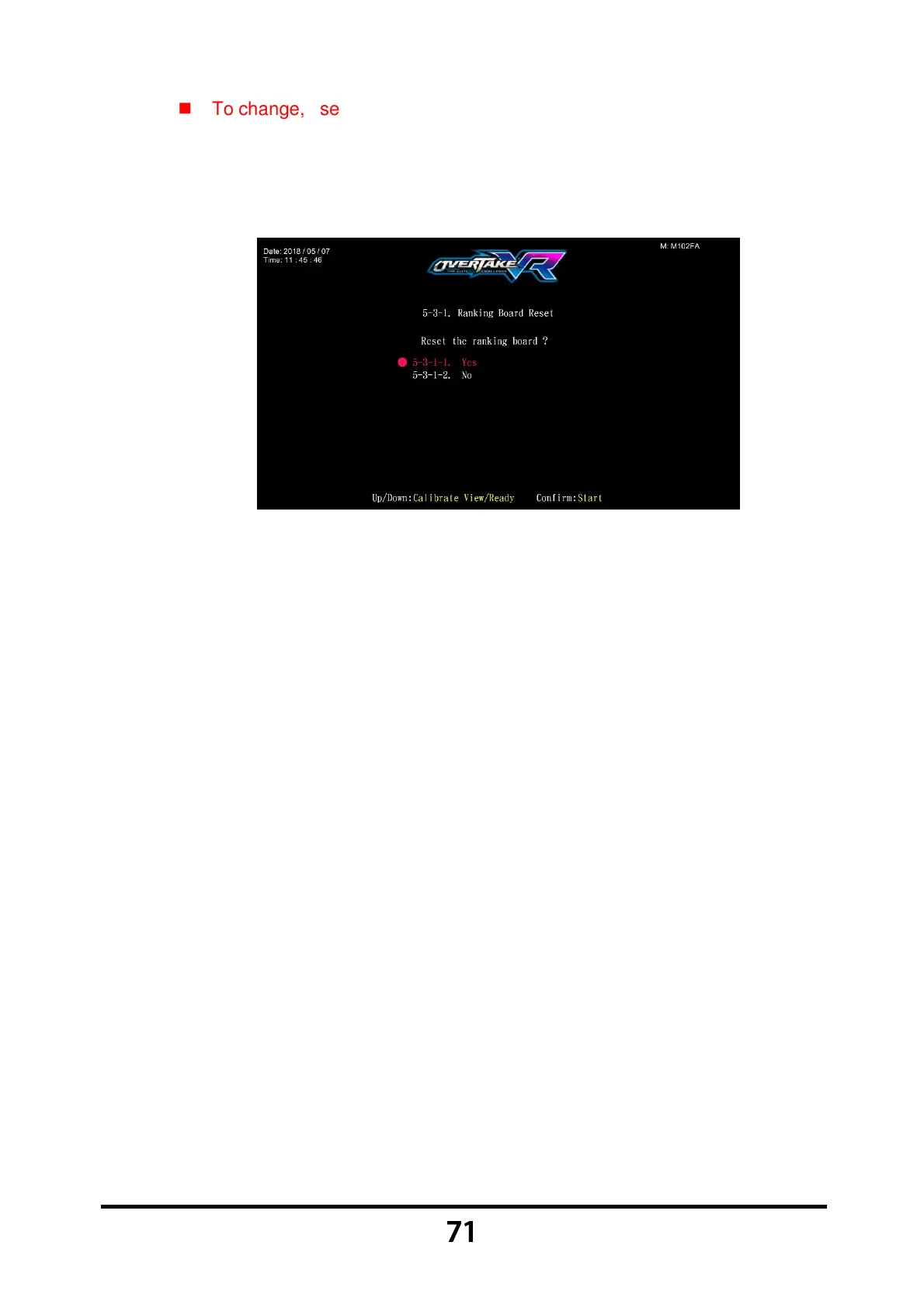
After the password has been entered, the following screen will be
displayed:
Move the cursor to choose 【5-3-1-1.Yes】, and press the 【Start】 button
to reset the ranking board。
After the resetting process, an icon of 【Reset completed】 will pop up,
then press the 【Start】 button to return to 【5.System reset】.
When 【5-3-1-2.No】 is chosen, then the screen will automatically direct
to the page of 【5.System reset】.



 To Next Page