23
Enter
【
【【
【
Operator Settings
】
】】
】→【
【【
【2.
System Settings
】
】】
】→【
【【
【2-6.
Air Spring
Adjustment
】
】】
】 to perform motion platform adjustment (please refer to
section 3.4.5 Air Spring Adjustment for more details).
If the error still cannot be resolved by performing the steps listed above,
please contact us for repairs.
When the screen's lower-left corner shows the icon and the message 【
【【
【Motion
platform OFF.】
】】
】, please press the 【
【【
【
Emergency Stop
】
】】
】 button again to cancel
the Emergency Stop function.
When the screen's upper-left corner shows the message 【
【【
【I/O1 error】
】】
】 or
【
【【
【I/O2 error】
】】
】 in red letters, please restart the machine. If the error still persists
after restarting the machine, please check cable connections or contact us for
repairs.
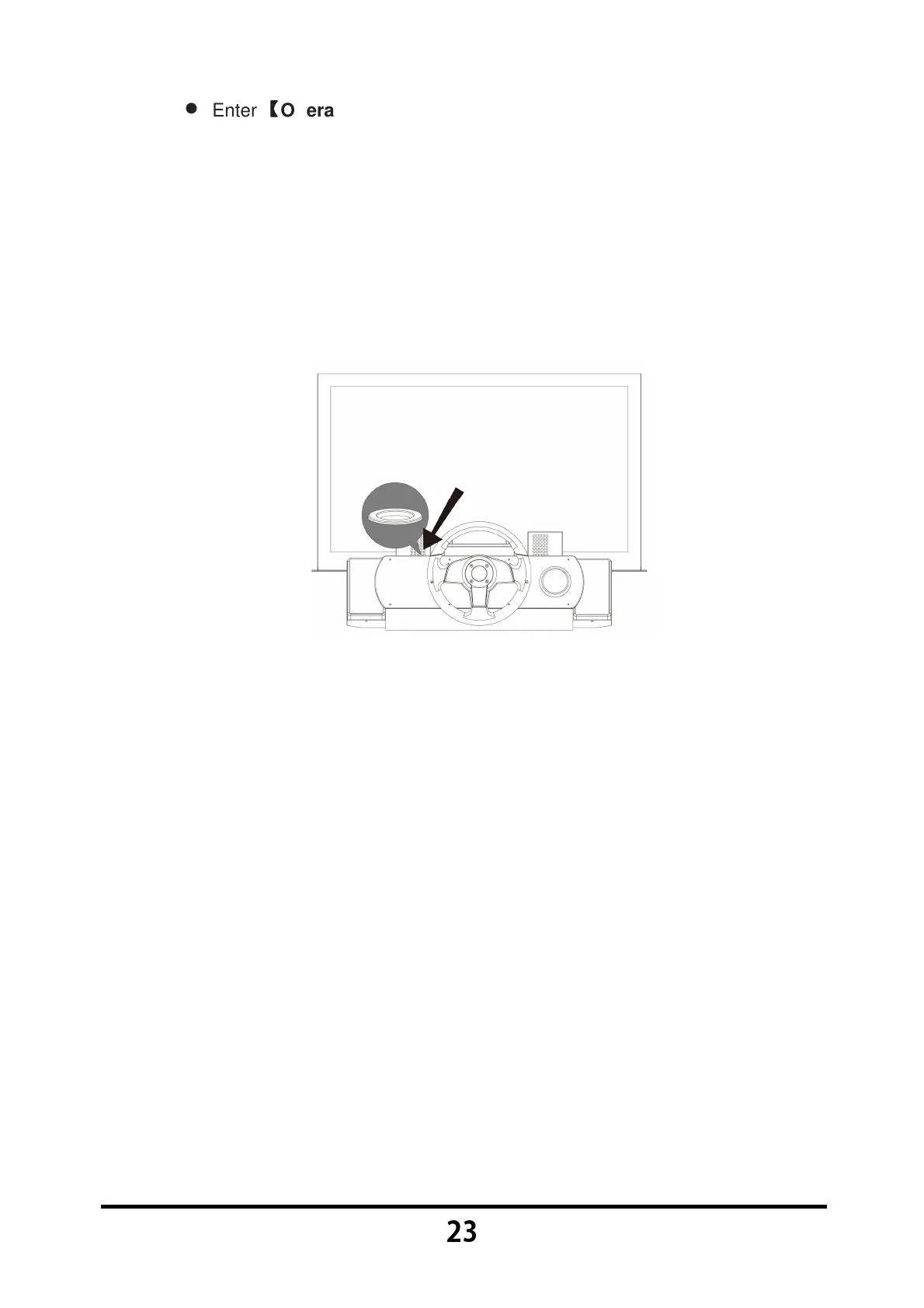
During gameplay, if the VR headset view has shifted out of position, such as: A
white screen, or unable to see the upper edge of the steering wheel when
viewing from the same level or by lowering your head, please press the
【
【【
【
Emergency Stop
】
】】
】 button, remove the VR headset from your head and
place it flat inside the headset stand, then follow the manual calibration
procedures to recalibrate. Once it is completed, place the VR headset back on
the player's head and cancel the Emergency Stop function.
If a player suddenly feels ill and cannot continue with gameplay, please press
the 【
【【
【Emergency Stop】
】】
】 button first before removing the player's VR headset.
If a player suddenly feels ill during gameplay and needs to stop the game,
press and hold the 【
【【
【Ready】
】】
】 button and the 【
【【
【Start】
】】
】 button simultaneously
for 3 seconds to terminate the game early.



 To Next Page