The StellarMate Plus Manual
102 / 341
· Shows the Date and Time
· Allows shutting down or restarting StellarMate
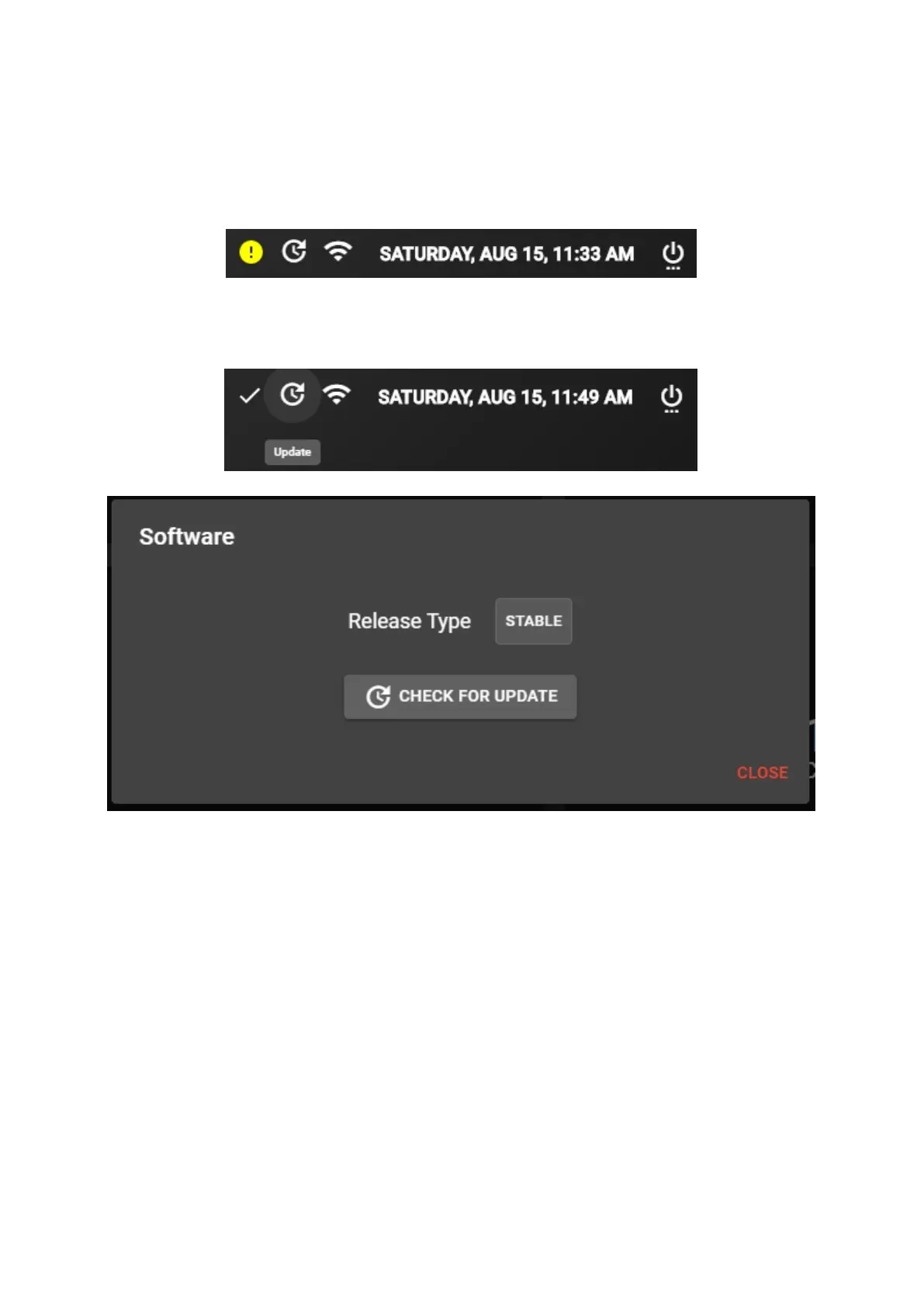
If the connection is spotty and keeps getting disconnected, the status bar will
inform you by showing a yellow exclamation icon.
To update using the status bar, click on the update icon and a dialog will pop-up,
allowing you to check for an update and install it.
15.2 Dashboard



 To Next Page