The StellarMate Plus Manual
110 / 341
· Restore: StellarMate settings can be restored through a backup file generated
by the backup function.
Test
Test your hardware devices such as DSLR. This will tell you if your DSLR is
working correctly with StellarMate or not.
Logs
Extract logs for diagnosing an error or an issue that has happened during usage
of StellarMate.
This can be used by StellarMate developers to help fix the issue. StellarMate
support may ask you to attach logs in your support ticket if they need to
investigate the issue.
15.6.1 Backup and Restore Process
This is an instructional guide for the Backup and Restore process.
It will be explained step by step in this section of the manual.
Backing up StellarMate configuration
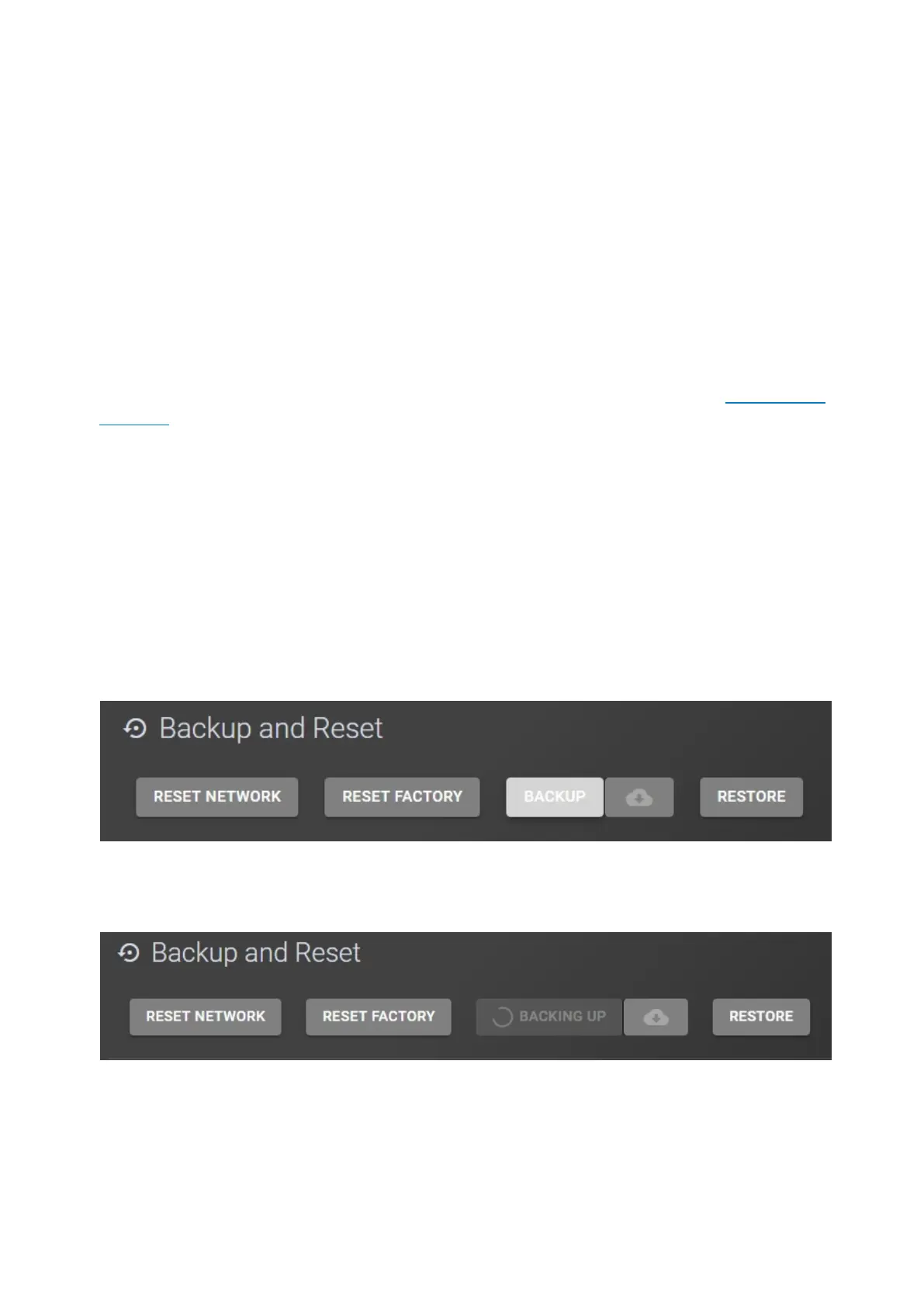
In order to backup your StellarMate configuration, please follow these steps:
1. Click on the Backup button.
2. Wait for the Backup process to generate a backup file, this might take long if
you have lots of images.
3. Click on the Download button (cloud icon) and select the backup file that has
been generated.



 To Next Page