The StellarMate Plus Manual
286 / 341
can zoom in or out using the scroll wheel.
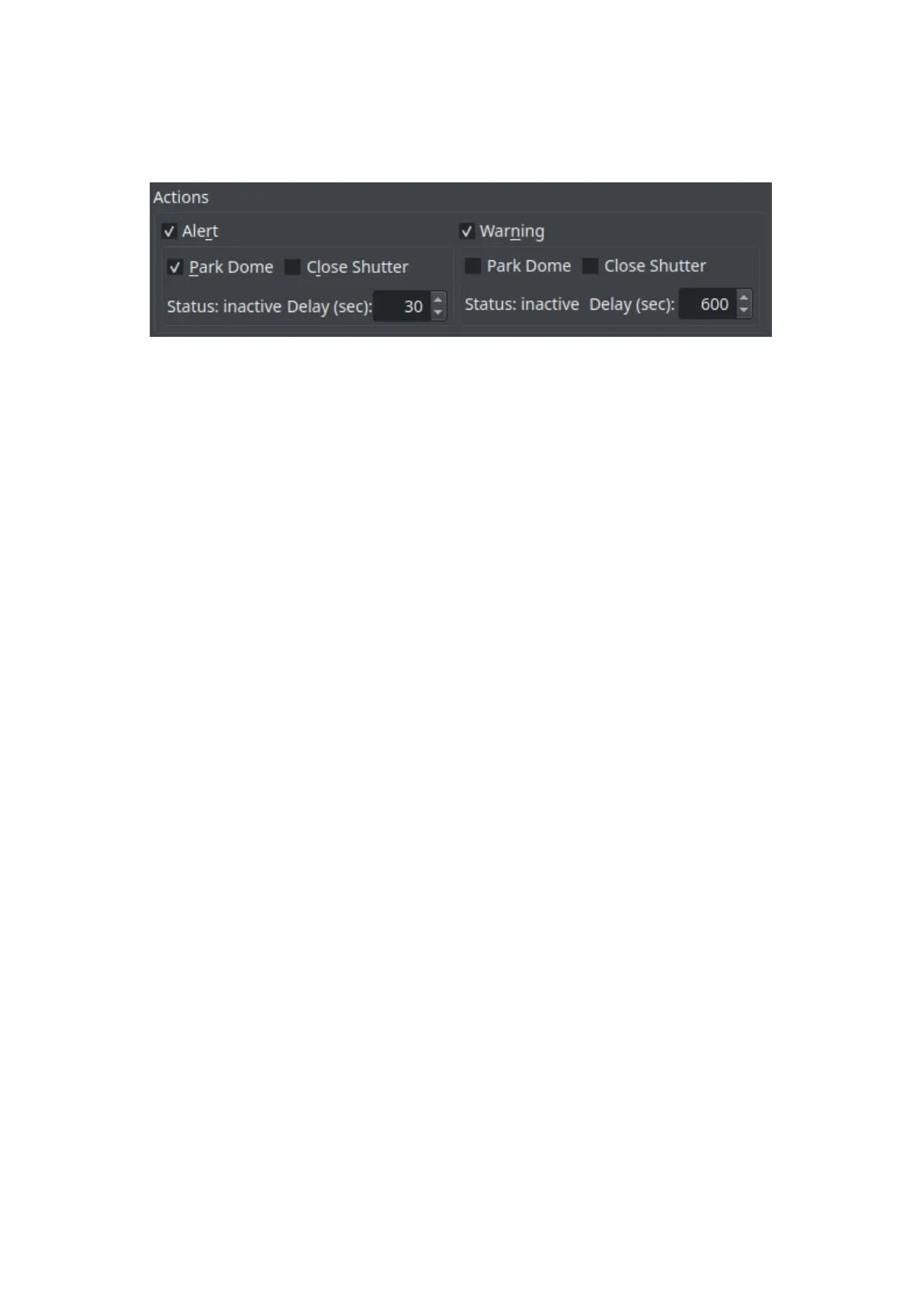
Actions
· Alert: Check this checkbox in order to get an Alert whenever any weather
value goes under or above the range set in your weather driver INDI Control
Panel.
· Park Dome: Parks the dome whenever you get an alert.
o Close Shutter: Closes the shutter whenever you get an alert.
o Status: Shows the status of the alert.
o Delay (sec): Delays the alert after n amount of seconds.
· Warning: Check this checkbox in order to get an Warning whenever any
weather value is close to going under or above the range set in your weather
driver INDI Control Panel.
o Park Dome: Parks the dome whenever you get a warning.
o Close Shutter: Closes the shutter whenever you get a warning.
o Status: Shows the status of the warning.
o Delay (sec): Delays the warning after n amount of seconds.
18.4.8.9 Analyze
Introduction



 To Next Page