The StellarMate Plus Manual
158 / 341
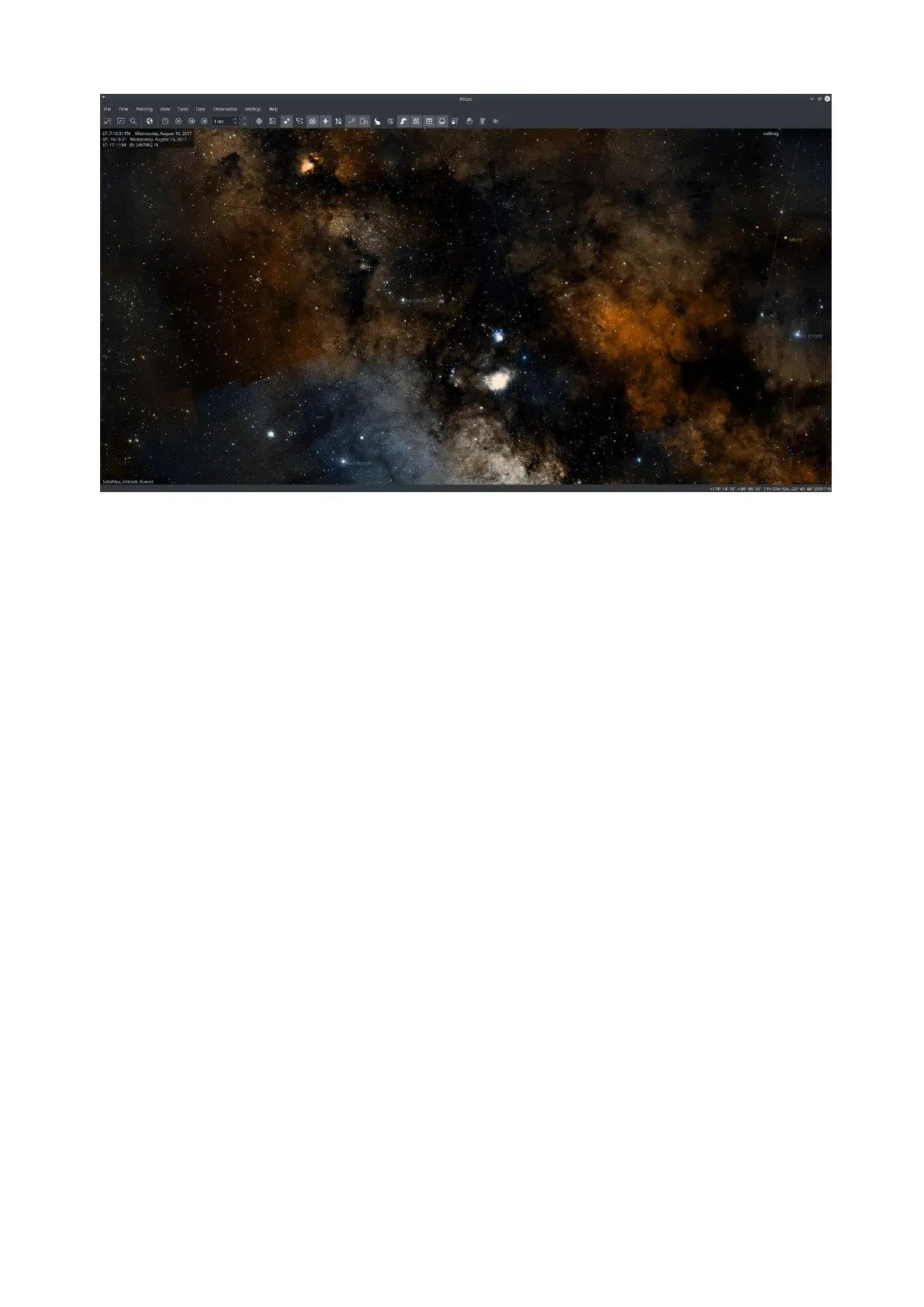
The above screenshot shows the DSS Color visual overlay in KStars.
HiPS Settings submenu includes the following pages:
· Display: Enable or disable Linear Interpolation and HiPS Grid. The interpolation
is enabled by default and should make the overlay appear smoother.
· Cache: Set the Disk and Memory cache size in MB. Increase cache size if you
have abundant resources and want to reduce bandwidth required to download
the images.
· Sources: Browse a list of HiPS sources and enable/disable them accordingly.
When you select each source, a summary and a preview are downloaded that
include information on the mission in additional to technical data on the
survey.
18.3 Command Reference
18.3.1 Menu Commands
File Menu
File →Open FITS...(Ctrl+O)
Open a FITS image in the FITS Viewer tool
File →Save Sky Image...(Ctrl+I)
Create image on disk from current display
File →Run Script...(Ctrl+R)
Run the specified KStars script



 To Next Page