The StellarMate Plus Manual
187 / 341
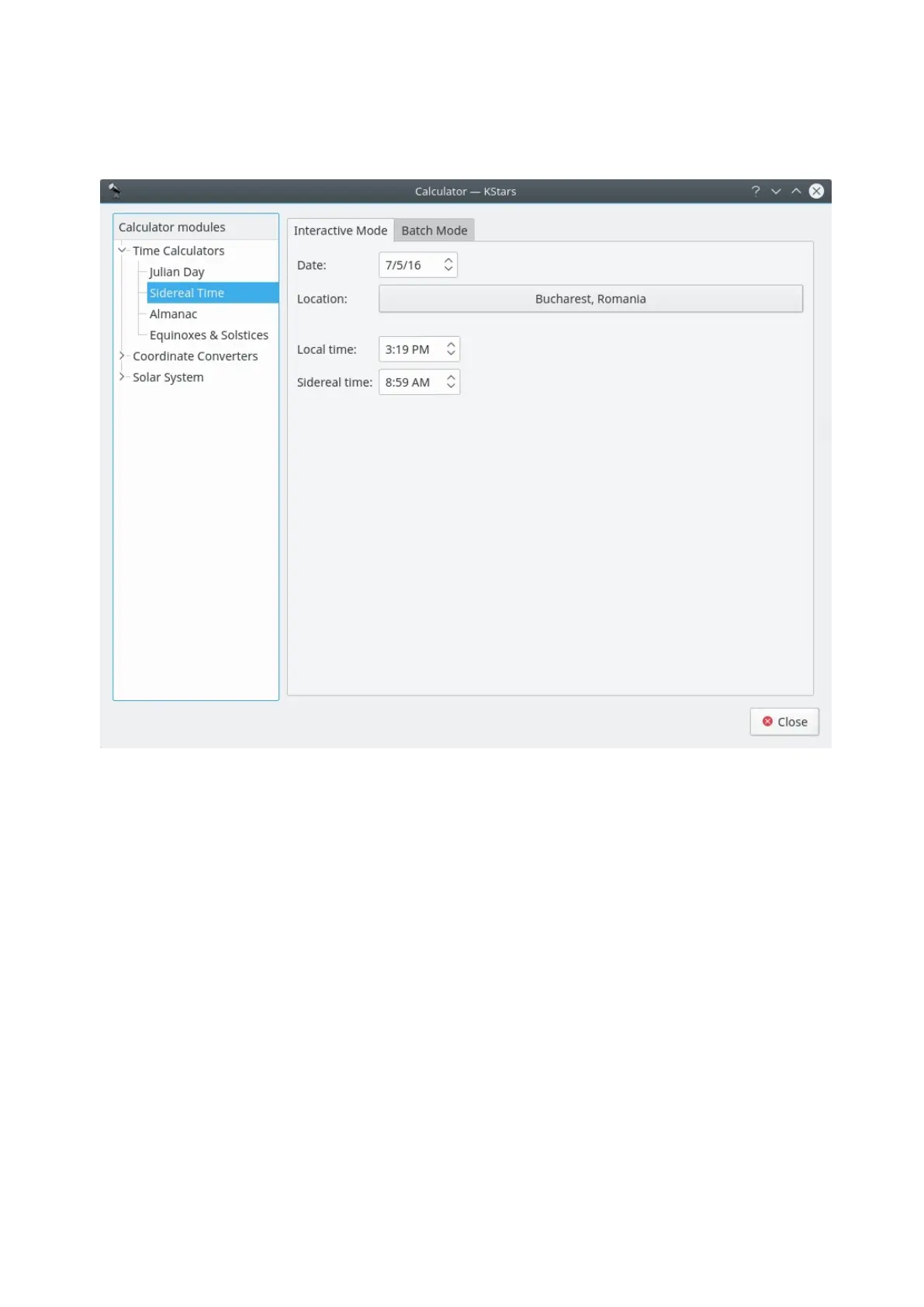
Sidereal Time module
This module converts between Universal Time and Local Sidereal Time. First,
select a geographic location and a date for the calculation. Then the
corresponding value for the other Time will be displayed.
There is a batch mode for this module. To use it, simply generate an input file
whose lines each contain values for the input parameter: “sidereal
time” or “standard time”. You can choose to set the Date and Location in the
current window, or you can tell KStars to read the Date and Location values from
the input file. Then specify the input and output filenames, and press
the Compute button to generate the output file. The output file will contains
values for the complementary parameter. For example, if your input file contains a
set of “standard time” values, then each line of the output file will contain values
for “sidereal time”. You can read the output directly in KStars by pressing
the View output button.
18.4.3 Altitude vs. Time Tool



 To Next Page