The StellarMate Plus Manual
59 / 341
5.1 Direct HDMI Connection
Note
You must first complete the First Time Setup guide before proceeding
with this tutorial.
By default, StellarMate operates in HotSpot mode. Even if configured for WiFi
connection or LAN, StellarMate always switches back to HotSpot mode when the
other connection modes become unavailable. This is to enable you to always
access the device regardless of network availability.
StellarMate gadget is shipped with a 1.8 meters HDMI cable. Connect the cable to
any monitor or TV. Make sure the cable is connected to
StellarMate before powering on the unit.
Unless the HDMI connection purpose is for viewing only, you also need a
keyboard + mouse to control to the StellarMate OS. You can use wired or
wireless mouse and keyboards.
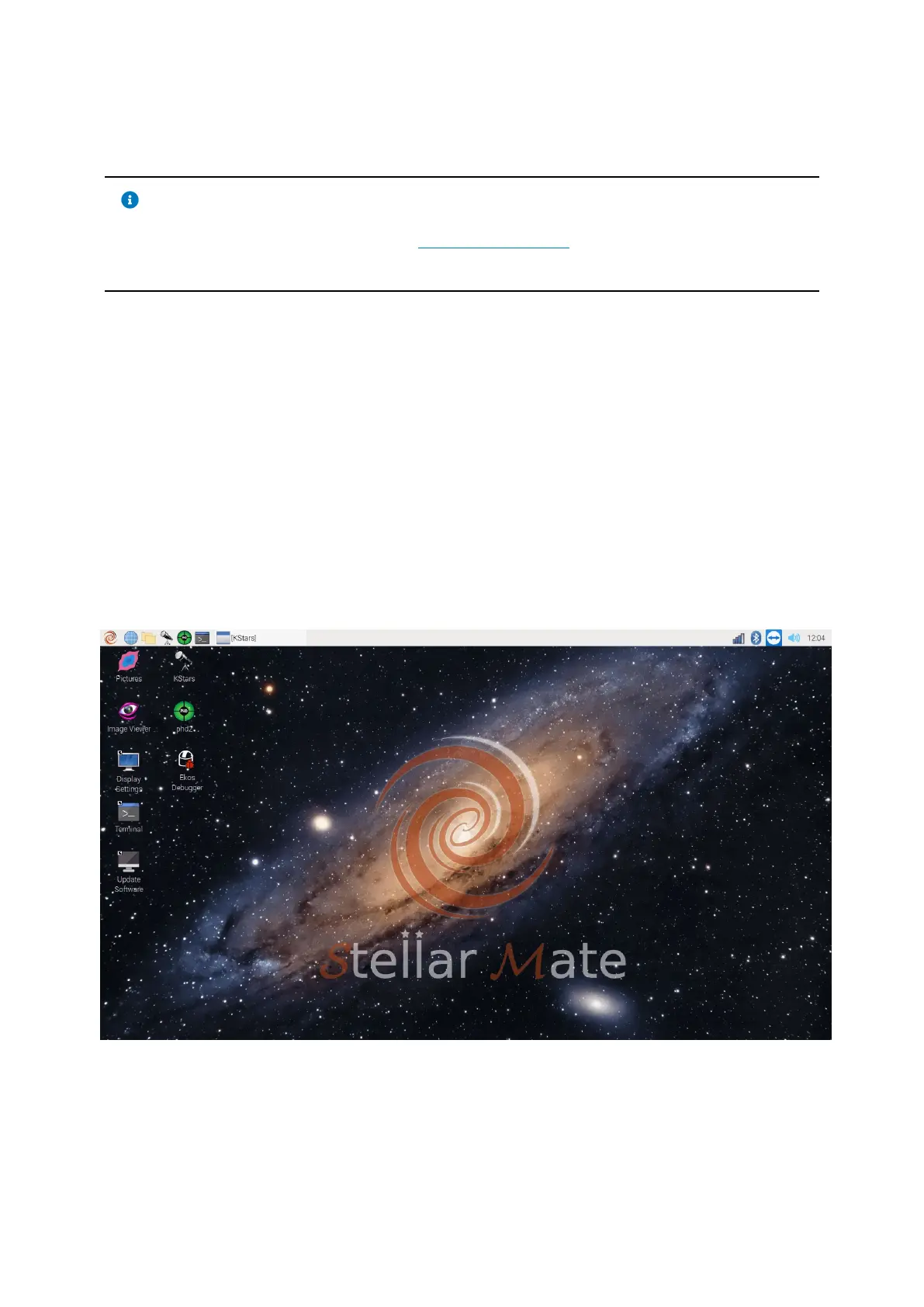
StellarMate unit is shipped with a full-featured Linux® Operation System that you
can directly access. The default username and password are:
username: stellarmate
password: smate



 To Next Page