The StellarMate Plus Manual
65 / 341
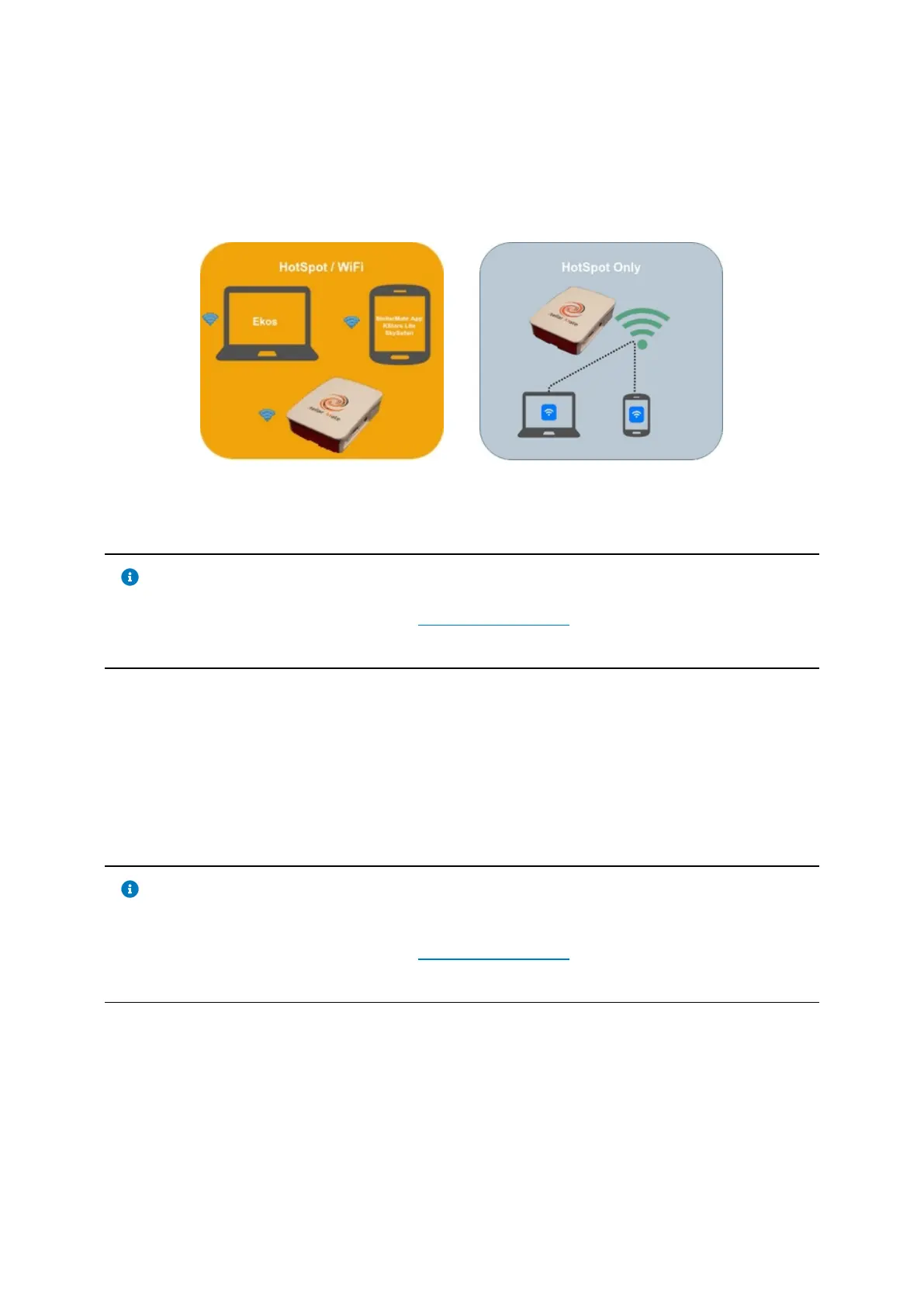
· Direct Connection to the StellarMate HotSpot or
· Joining StellarMate to your Home WiFi.
By default, StellarMate runs in HotSpot Mode. Click on the desired mode of
connect to learn more about connecting StellarMate.
5.3.1 HotSpot Connection
Note
You must first complete the First Time Setup guide before proceeding
with this tutorial.
By default, StellarMate operates in HotSpot mode. Even if configured for WiFi
connection or LAN, StellarMate always switches back to HotSpot mode when the
other connection modes become unavailable. This is to enable you to always
access the device regardless of network availability.
5.3.2 Infrastructure Connection
Note
Infrastructure mode is where StellarMate joins an existing WiFi network.
You must first complete the First Time Setup guide before proceeding
with this tutorial.
By default, StellarMate operates in HotSpot mode. Even if configured for WiFi
connection or LAN, StellarMate always switches back to HotSpot mode when the
other connection modes become unavailable. This is to enable you to always
access the device regardless of network availability.



 To Next Page