The StellarMate Plus Manual
66 / 341
Connecting to WiFi Network
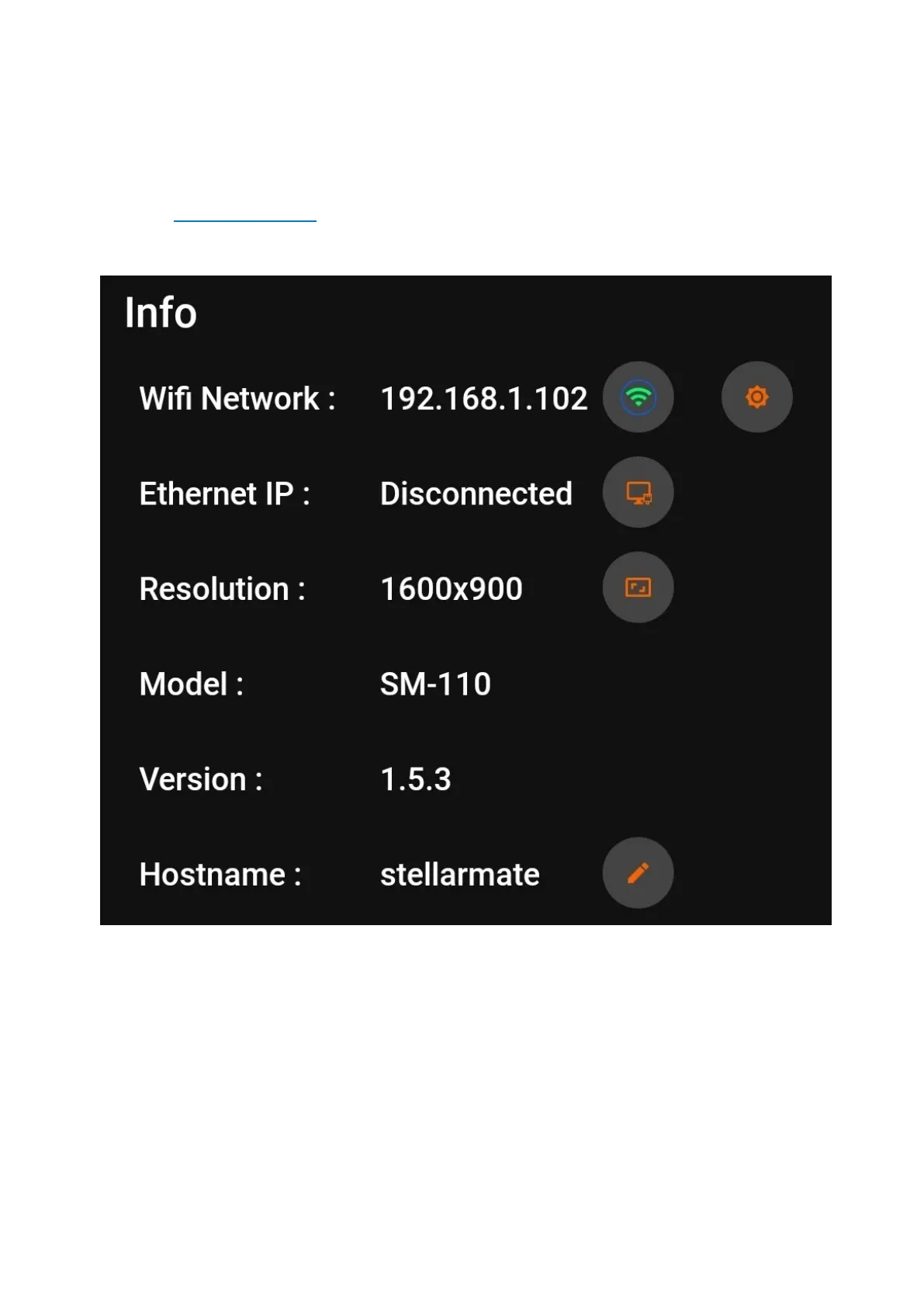
Use the StellarMate App to connect to your WiFi network. From your mobile OS,
connect first to the StellarMate HotSpot, then launch the StellarMate App and go
to Device tab. Here you can see a few controls to configure StellarMate.
s
Click on the Manage WiFi button (orange cogwheel next to green wifi icon). The
App should display a list of detected WiFi networks in the vicinity.



 To Next Page