The StellarMate Plus Manual
75 / 341
There are two ways to connect your bluetooth device:
1. Bluetooth Wizard provided in Serial Port Assistant
2. Manually pair your bluetooth device
6.1 Serial Port Assistant Bluetooth Wizard
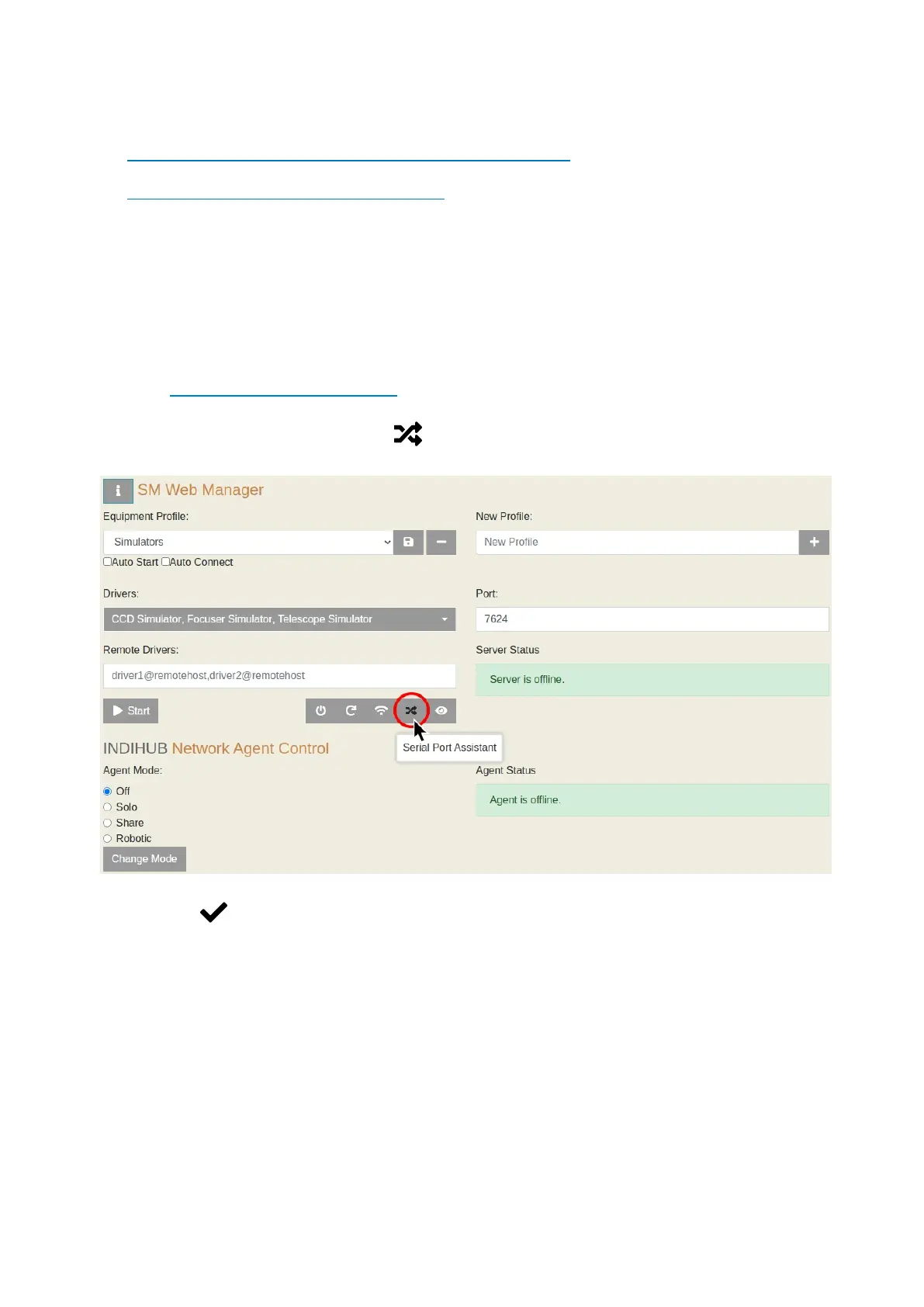
StellarMate allows connecting bluetooth mounts easily through StellarMate Web
Manager, all you have to do is follow these steps:
Connecting to a Bluetooth Device
1. Open StellarMate Web Manager
2. Click on Serial Port Assistant
3. Click on Next.



 To Next Page