The StellarMate Plus Manual
16 / 341
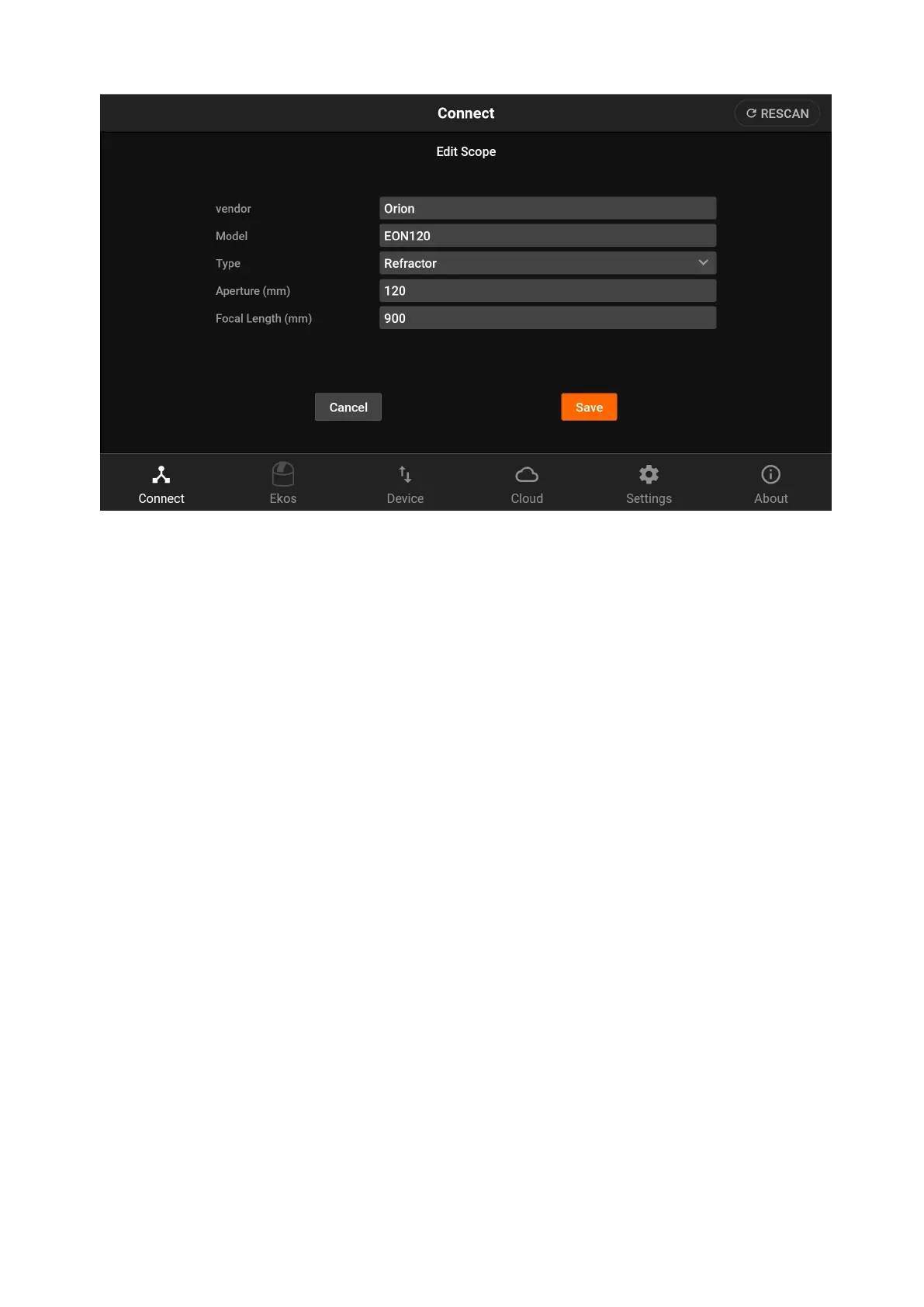
Please use descriptive information as illustrated above to make it easy to select
telescopes in the future. After the telescope is added, select it from the
dropdown menu.
Your equipment profile is now ready. Tap Start to establish connection to your
devices.
4.5 Ekos
When an equipment profile is started, the Ekos tab becomes active. In the Ekos
screen, you can capture images, stream video, and create image sequences.
Furthermore, it provides the following facilities:
· Modules
1. Focus: Focus your camera either automatically via an electronic focuser,
or manually by adjusting the focus while framing, or by using Bahtinov
Mask Assistant. Create presets for different configurations and set
advanced settings to control the star detection and focusing algorithms.
2. Align: Align your mount to get highly accurate GOTOs and to ensure you
target is always in the center. You can also load an existing image to
plate solve and then command the mount to go to the exact center in
the sky.
3. Guide: Guiding enables long-exposure astrophotography by ensuring
your mount tracks accurately with time. It can automatically select and
lock a guide star and send correction pulses to the mount to keep it
always centered.
4. Capture: create, edit, and delete presets, job sequencing, Filter
Settings, Limit Settings, Calibration Settings, File Settings.
5. Mount: tracking on/off, park/unpark, Meridian Flip, Limit Settings (Alt
and HA Limits), and Pier Side.
6. Observatory: park/unpark cap, park/unpark dome, dome goto absolute



 To Next Page