The StellarMate Plus Manual
131 / 341
Note
KStars can accept very remote dates beyond the usual limits imposed by
QDate. Currently, you can set the date between the years -100000 and
+100000. We may extend this range even further in future releases.
However, please be aware that the accuracy of the simulation becomes
more and more degraded as more remote dates are examined. This is
especially true for the positions of solar system bodies.
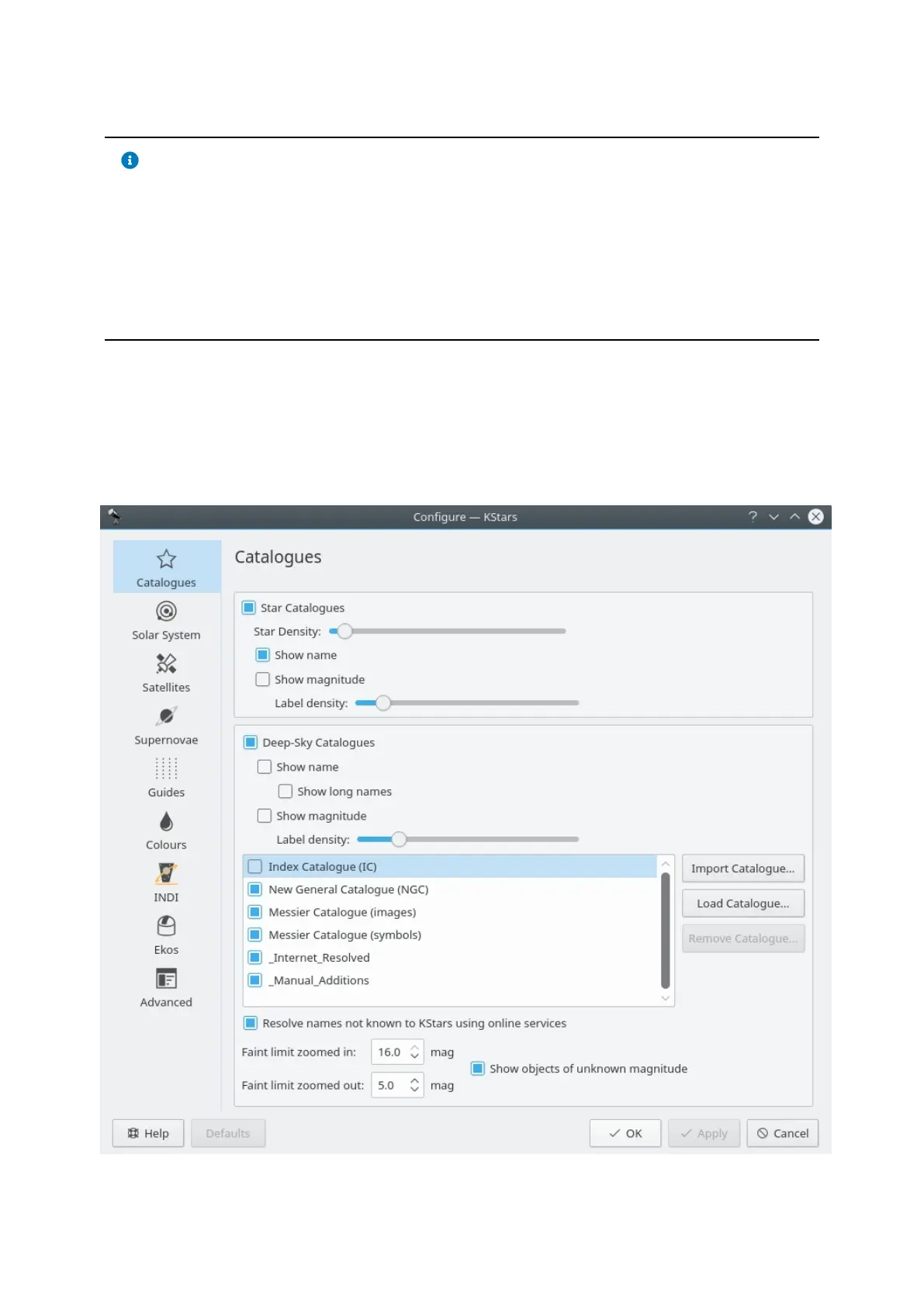
18.2.3 The Configure KStars Window
The Configure KStars window allows you to modify a wide range of display
options. You can access the window with the configure toolbar icon, or by
selecting Configure KStars... from the Settings menu. The window is depicted
below:
The Configure KStars window is divided into eleven pages: Catalogs, Solar



 To Next Page