The StellarMate Plus Manual
192 / 341
To export the view to a file, click Export button. Export enables adding ticks for
printed charts as shown above and save the image.
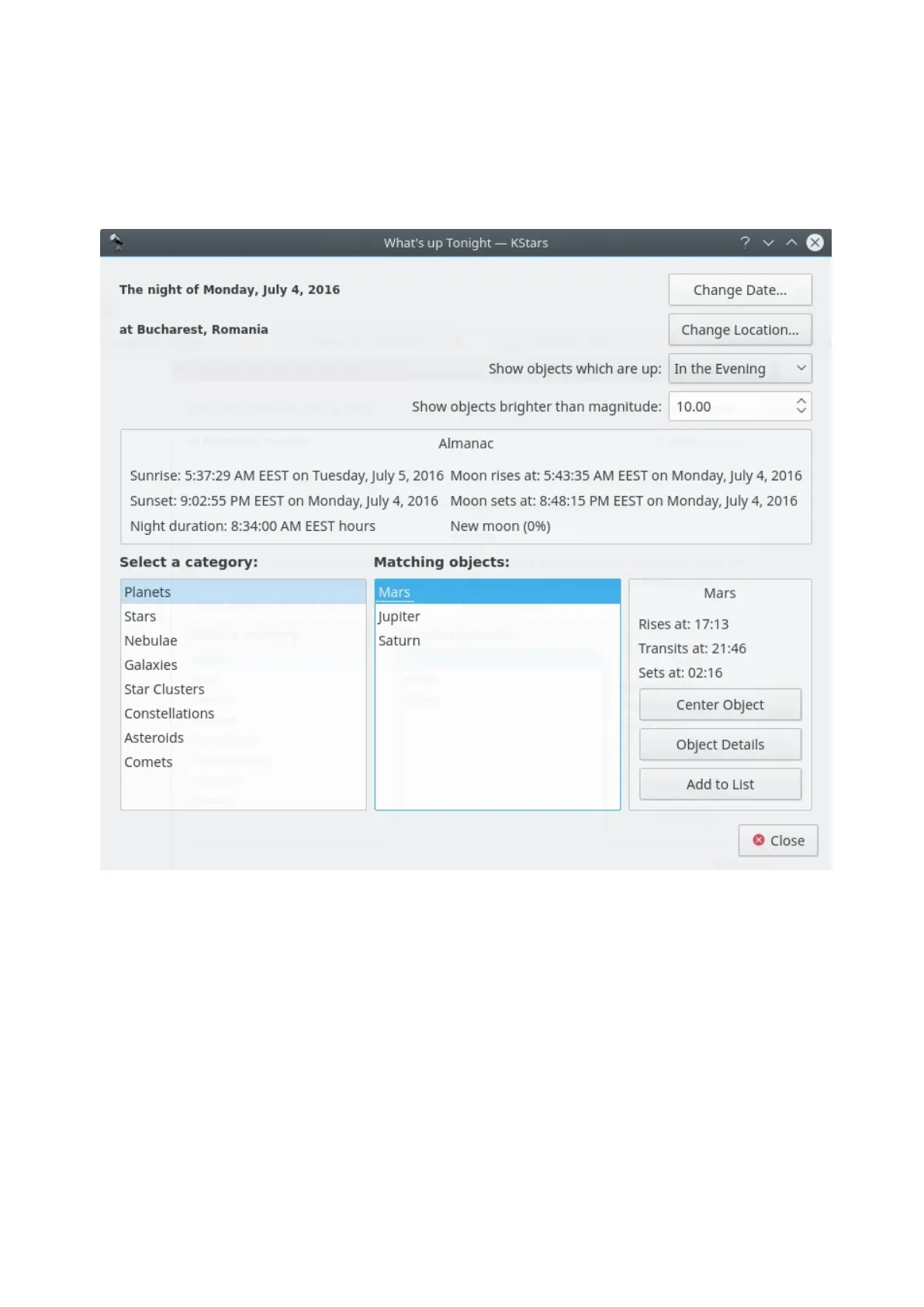
18.4.5 What's Up Tonight? Tool
The “What's Up Tonight?” (WUT) tool displays a list of objects that will be visible
at night from any location, on any date. By default, the Date and Location are
taken from the current settings in the main window, but you can change either
value using the Change Date and Change Location buttons at the top of the WUT
window.
The WUT tool also displays a short almanac of data for the selected date: the rise
and set times for the Sun and moon, the duration of the night, and the Moon's
illumination fraction.
Below the almanac is where the object information is displayed. The objects are
organized into type categories. Select an object type in the box labeled Select a
Category, and all objects of that type which are above the horizon on the
selected night will be displayed in the box labeled Matching Objects. For example,
in the screenshot, the Planets category has been selected, and three planets



 To Next Page