The StellarMate Plus Manual
191 / 341
· In Sky Map, right click on the desired object and click Simulate eyepiece
view in the popup menu.
· In observation planner, right click an object and click Simulate eyepiece
view in the popup menu.
When the tool is first invoked, it will prompt a dialog to select the desired FOV to
render the view. To compare the rendered view against a real sky image, click
the Fetch DSS image button to download a DSS image. You can manually adjust
the view to match your eyepiece using the rotation slider, the invert view and flip
view check boxes. Alternatively, you can use a pre-calculated amount of rotation
by using one of the Presets that is tailored for different optical systems.
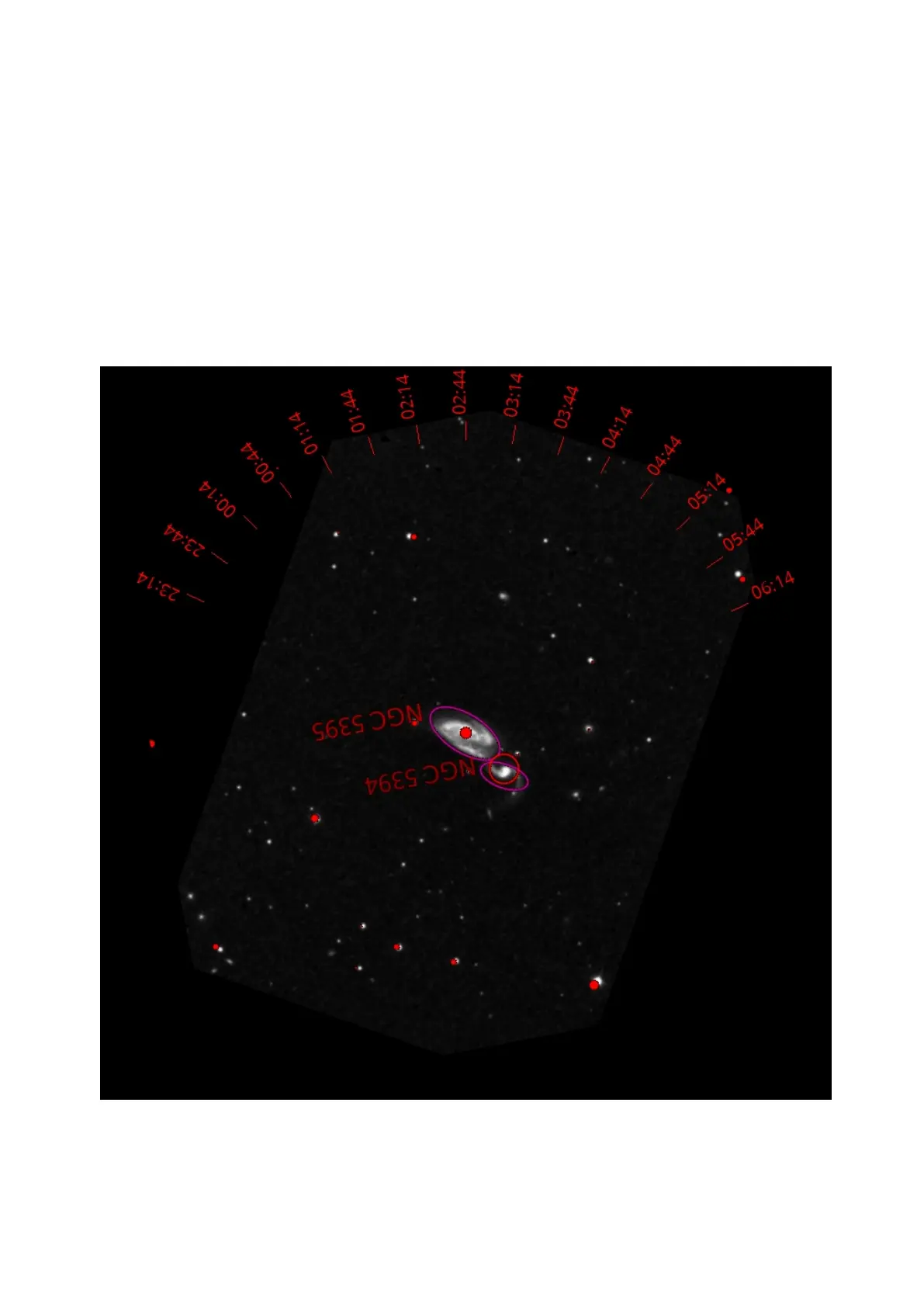
Arp84 eyepiece view with ticks enabled indicating how the chart must be
oriented to match the eyepiece view through a Dobsonian at a given time (the
generated data is for location McDonald Observatory Texas, and the date is 14th
Dec 2016).



 To Next Page