The StellarMate Plus Manual
285 / 341
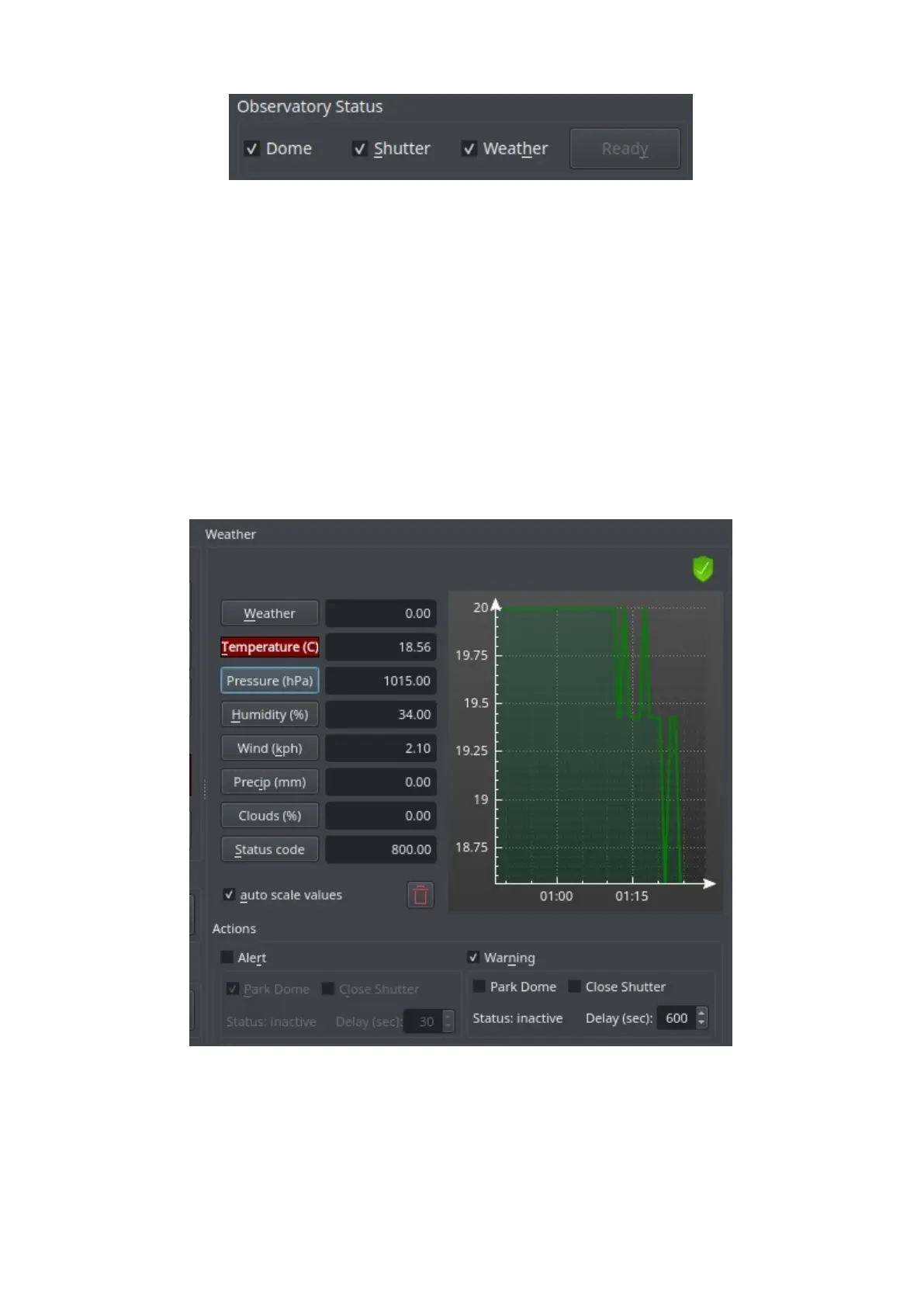
· Dome: If selected, the dome needs to be unparked for the observatory status
being "READY".
· Shutter: If selected, the shutter needs to be open for the observatory status
being "READY".
· Weather: If selected, the weather needs to be OK for the observatory status
being "READY".
· Ready: Observatory status. Select the observatory elements that are relevant
for the status:
o Dome: unparked → ready
o Shutter: open → ready
o Weather: OK → ready
Weather
Current data of the weather sensors. Click on the sensor name to display its data
over time.
· auto scale values: Scale the value axis to the current value range.
· trashcan: Clear sensor data history.
· Graph: You can see the values of both axes if you hover over the graph. You



 To Next Page