The StellarMate Plus Manual
284 / 341
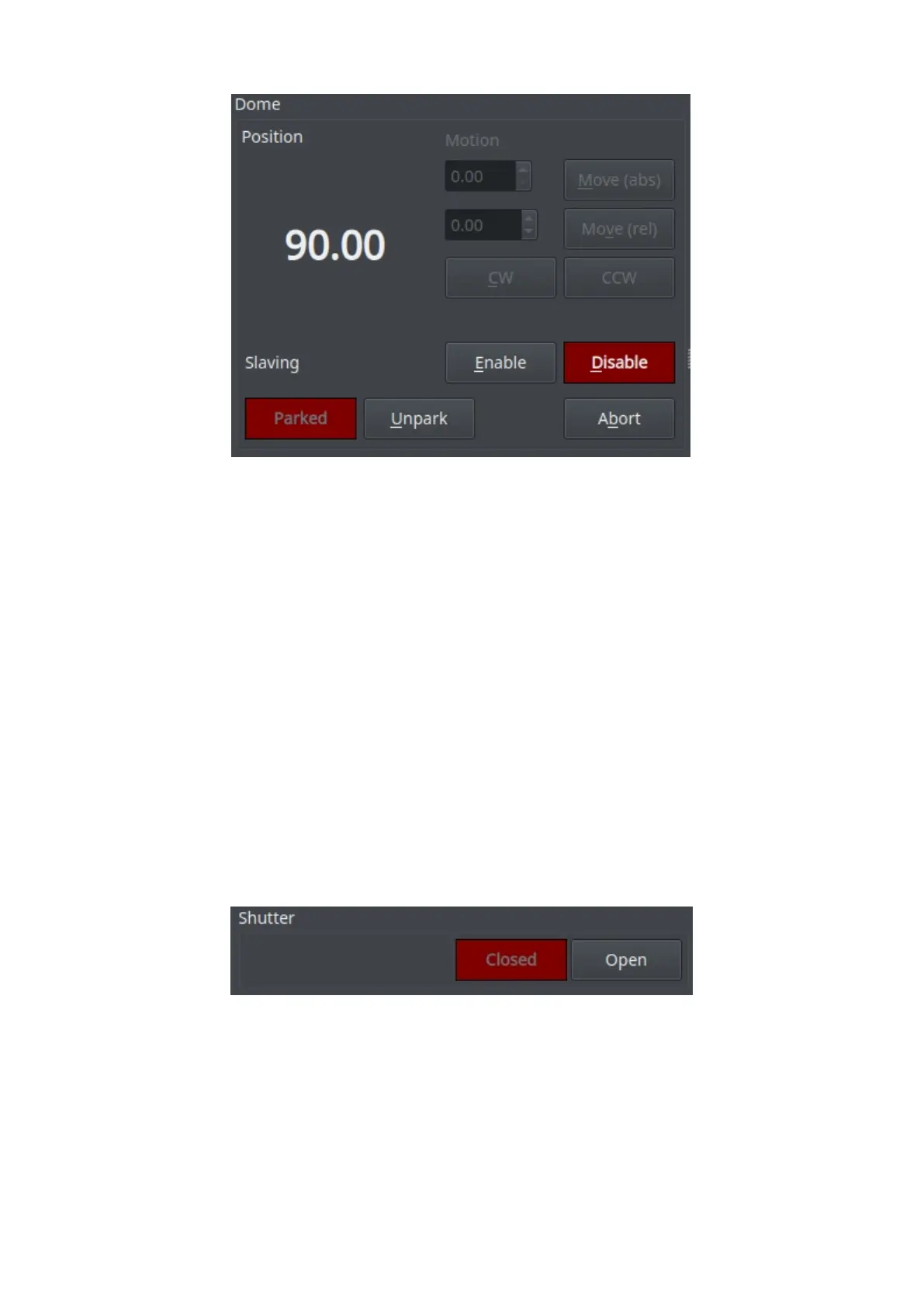
· Position: Controls the position of the Dome.
o Motion: You can move the Dome in four ways.
§ Absolute: Select the absolute position you want the Dome to
move and then click on Move (abs). This will move the Dome to
the absolute position you set.
§ Relative: Select the amount of degrees (either positive or
negative) you want the Dome to move from the current position
and then click on Move (rel). This will move the Dome to the
relative position you set.
§ Clockwise (CW): Rotates the Dome Clockwise forever until you
click on Abort.
§ Counter Clockwise (CCW): Rotates the Dome Clockwise forever
until you click on Abort.
· Slaving: If enabled, Dome motion will follow telescope motion.
· Park/Unpark: Park or Unpark the Dome. For advanced control, please use the
INDI Control Panel.
· Abort: Aborts the Dome motion.
Shutter
·Open/Close: You can open or close your shutter through the observatory
module.
·
Observatory Status



 To Next Page