The StellarMate Plus Manual
111 / 341
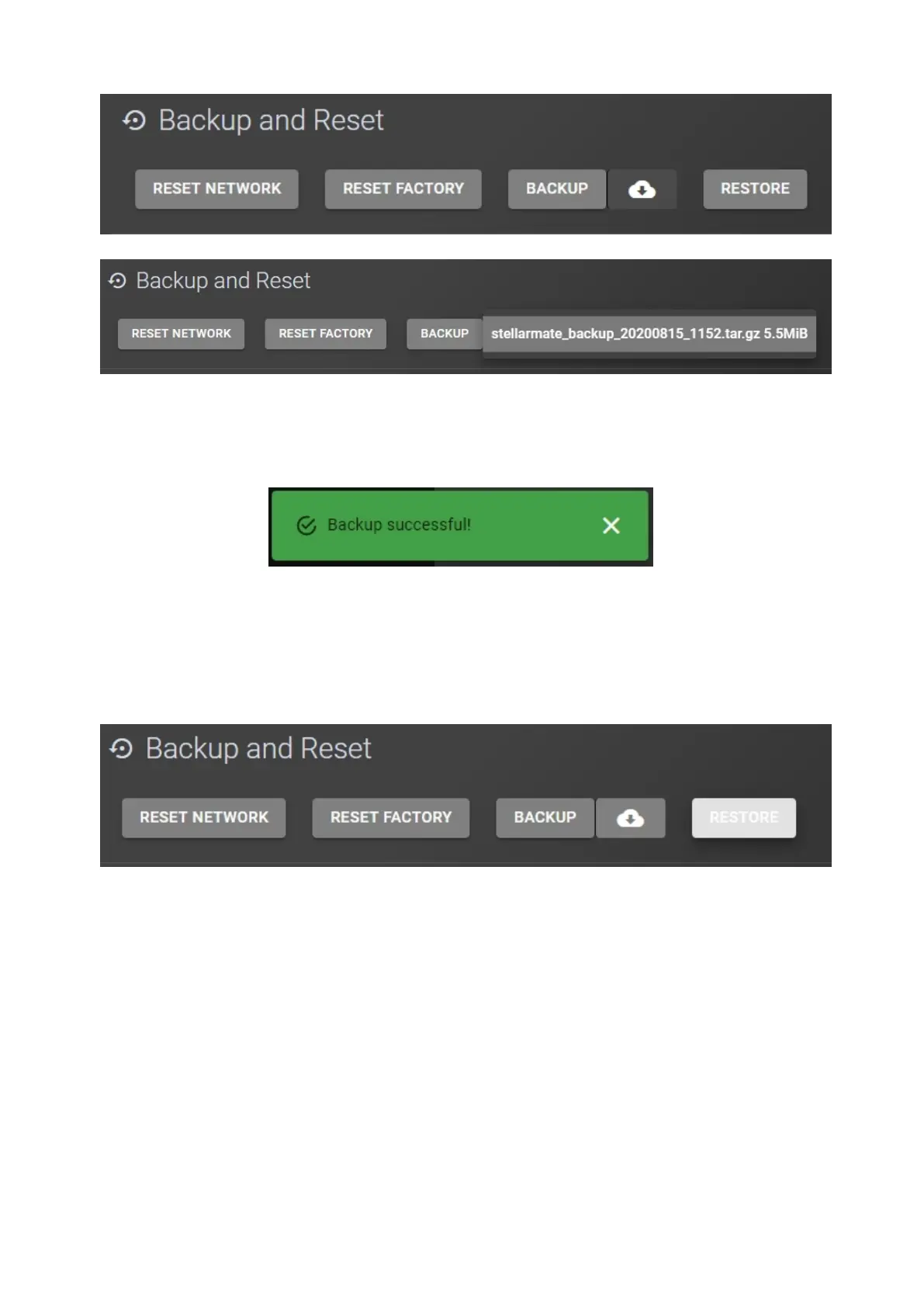
4. You should get a Backup Successful message. You should You now have a
backup file on your computer that you can use later to restore your
StellarMate configuration.
Restoring StellarMate configuration
In order to restore your StellarMate configuration, please follow these steps:
1. Click on the Restore button.
2. Select your backup file and click on Open.



 To Next Page