The StellarMate Plus Manual
106 / 341
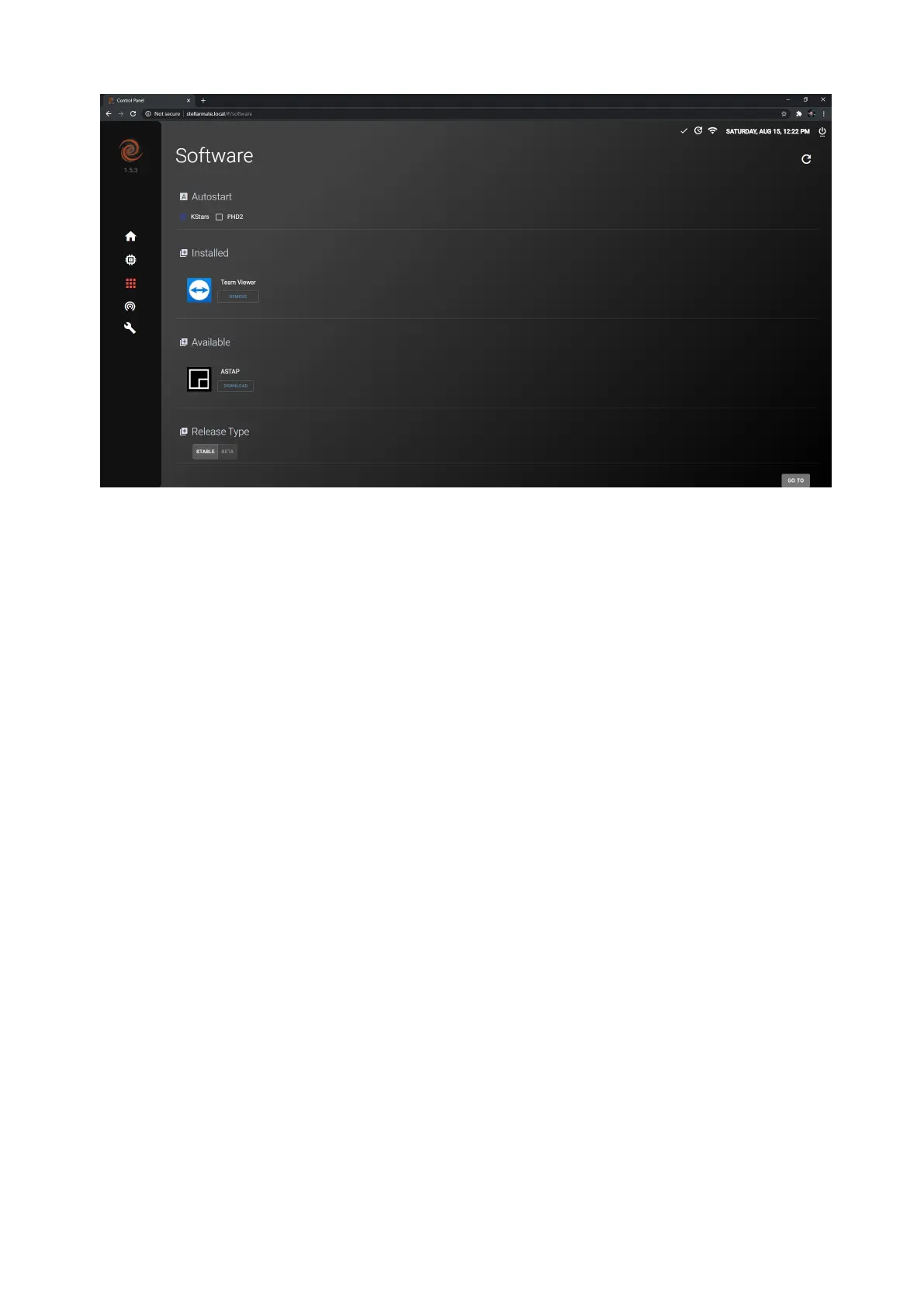
Auto Start
In the software center it is possible to toggle Auto Start for KStars and/or PHD2.
If toggled on, it allows KStars and/or PHD2 to start-up with StellarMate OS.
Installed
Installed applications appear in this section and you can remove/uninstall them by
clicking on the remove button.
Available
Applications that are available for download appear in this section and you can
install them by following these steps:
1. Click on Download
2. Wait for download to complete
3. Click on Install
The application should now be installed on your StellarMate.
Release Type
You can switch between the Stable and Beta releases. The Stable release -as the
name suggests- is stable, has the main features of StellarMate OS and does not
contain show-stopping bugs. The Beta release is not very stable, and it has
drivers and new features such as incomplete drivers for unsupported devices.
The new features might've not been tested completely and can sometimes be
buggy since there might be show-stopping bugs which were not caught by
StellarMate developers.


 To Next Page