The StellarMate Plus Manual
13 / 341
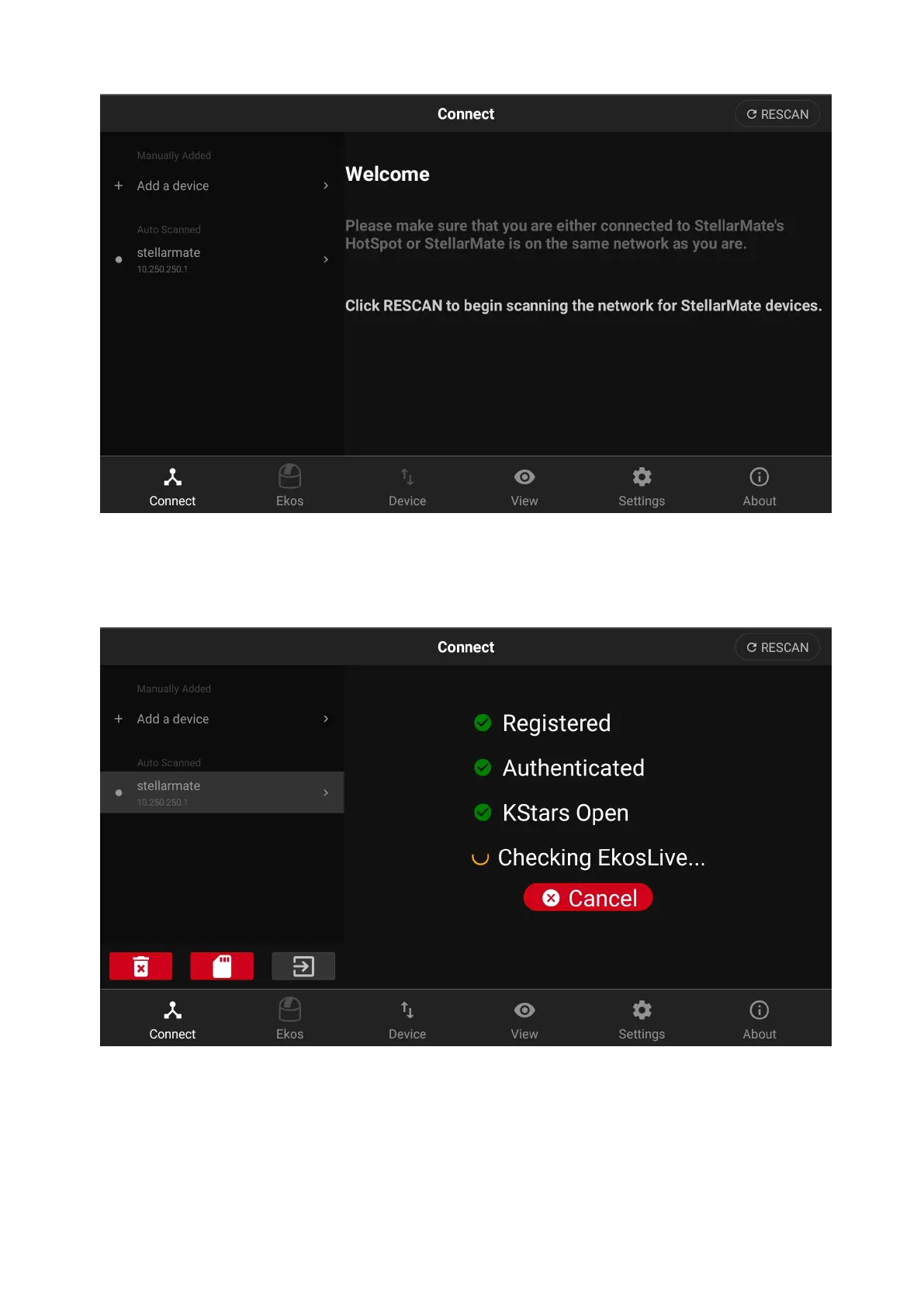
· After StellarMate is detected, tap on it to establish connection. Wait for a few
seconds and the LED would turn green indicating a stable successful
connection.
The right side pane should now display the Equipment Profile page. Now you are
ready to connect to your astronomical equipment.



 To Next Page