The StellarMate Plus Manual
156 / 341
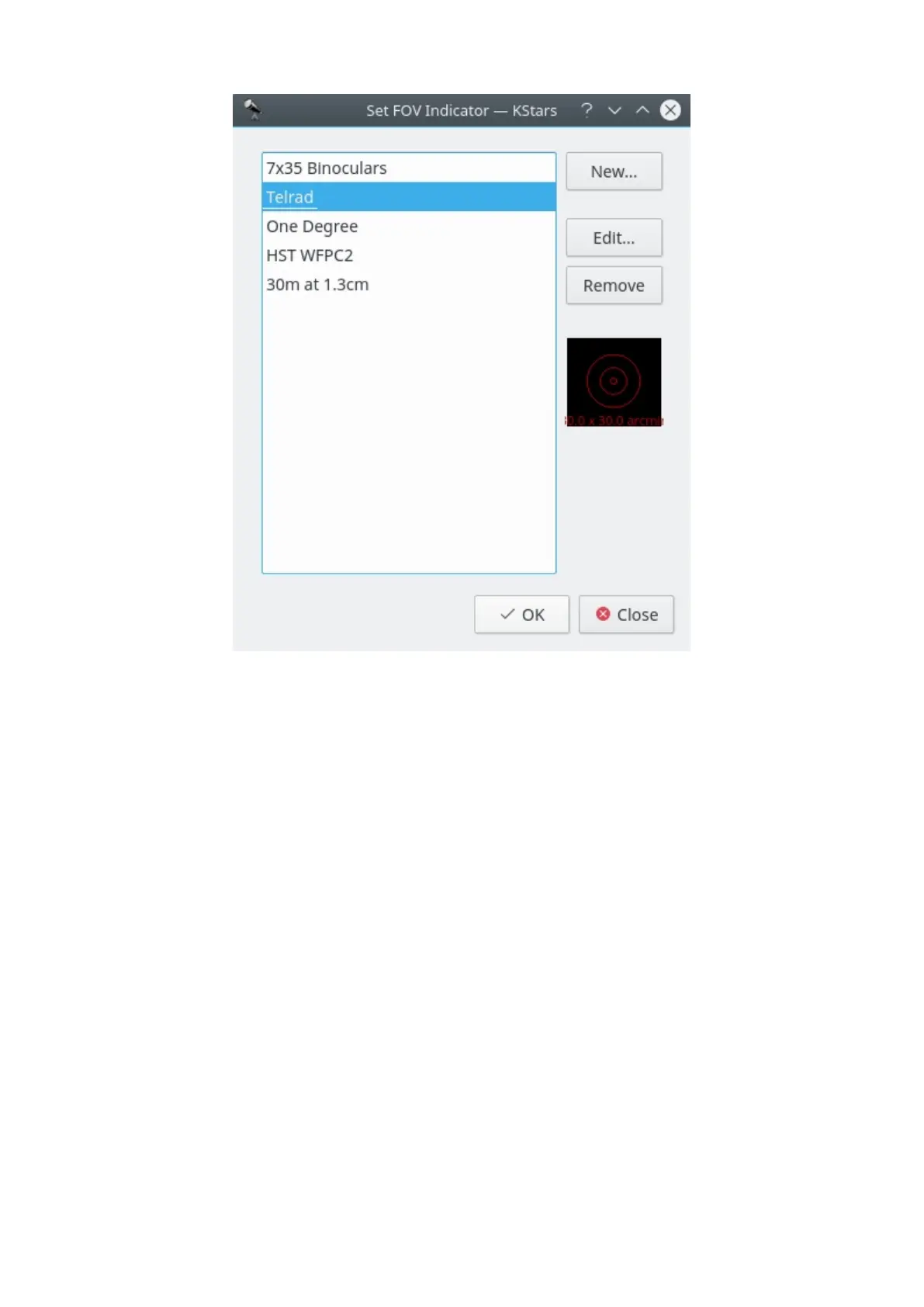
The list of defined FOV symbols is displayed on the left. On the right are buttons
for adding a new symbol, editing the highlighted symbol's properties, and
removing the highlighted symbol from the list. Note that you can even modify or
remove the four predefined symbols (if you remove all symbols, the four defaults
will be restored the next time you start KStars). Below these three buttons is a
graphical preview display showing the highlighted symbol from the list. When
the New... or Edit... button is pressed, the New FOV Indicator window is opened:



 To Next Page