The StellarMate Plus Manual
183 / 341
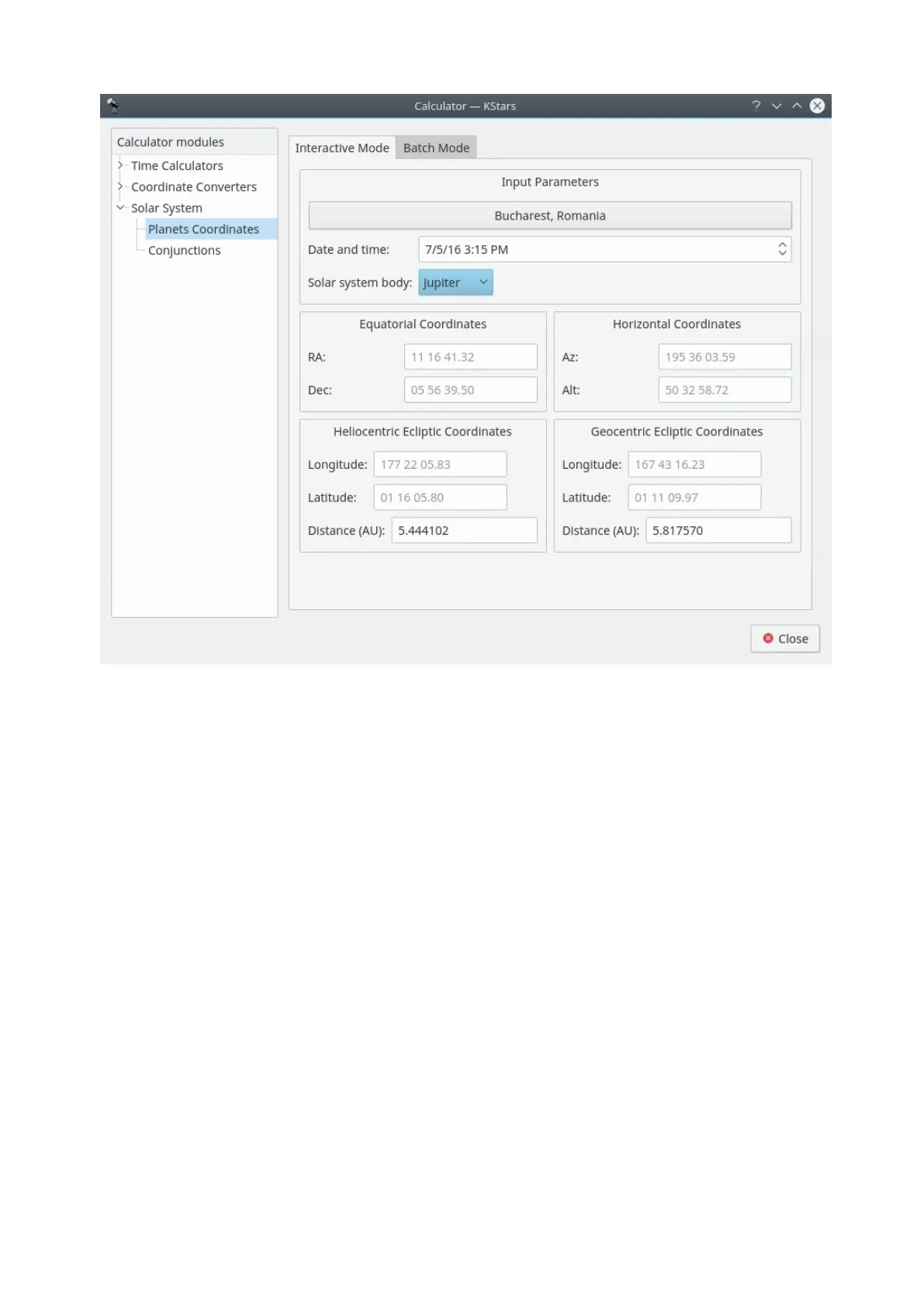
The Planet Coordinates module computes positional data for any major solar
system body, for any time and date and any geographic location. Simply select
the Solar system body from the drop-down list, and specify the desired date,
time, and geographic coordinates (these values are preset to the
current KStars settings). Then the Equatorial, Horizontal, and Ecliptic coordinates
of the body are computed and displayed.
There is a batch mode for this module. You must construct an input file in which
each line specifies values for the input parameters (solar system body, date, time,
longitude, and latitude). You may choose to specify a constant value for some of
the parameters in the calculator window (these parameters should be skipped in
the input file). You may also specify which of the output parameters (Equatorial,
Horizontal, Heliocentric ecliptic and Geocentric ecliptic coordinates) should be
calculated. Finally, specify the input and output filenames, and press
the Run button to generate the output file with the computed values.
Day Duration module



 To Next Page