The StellarMate Plus Manual
197 / 341
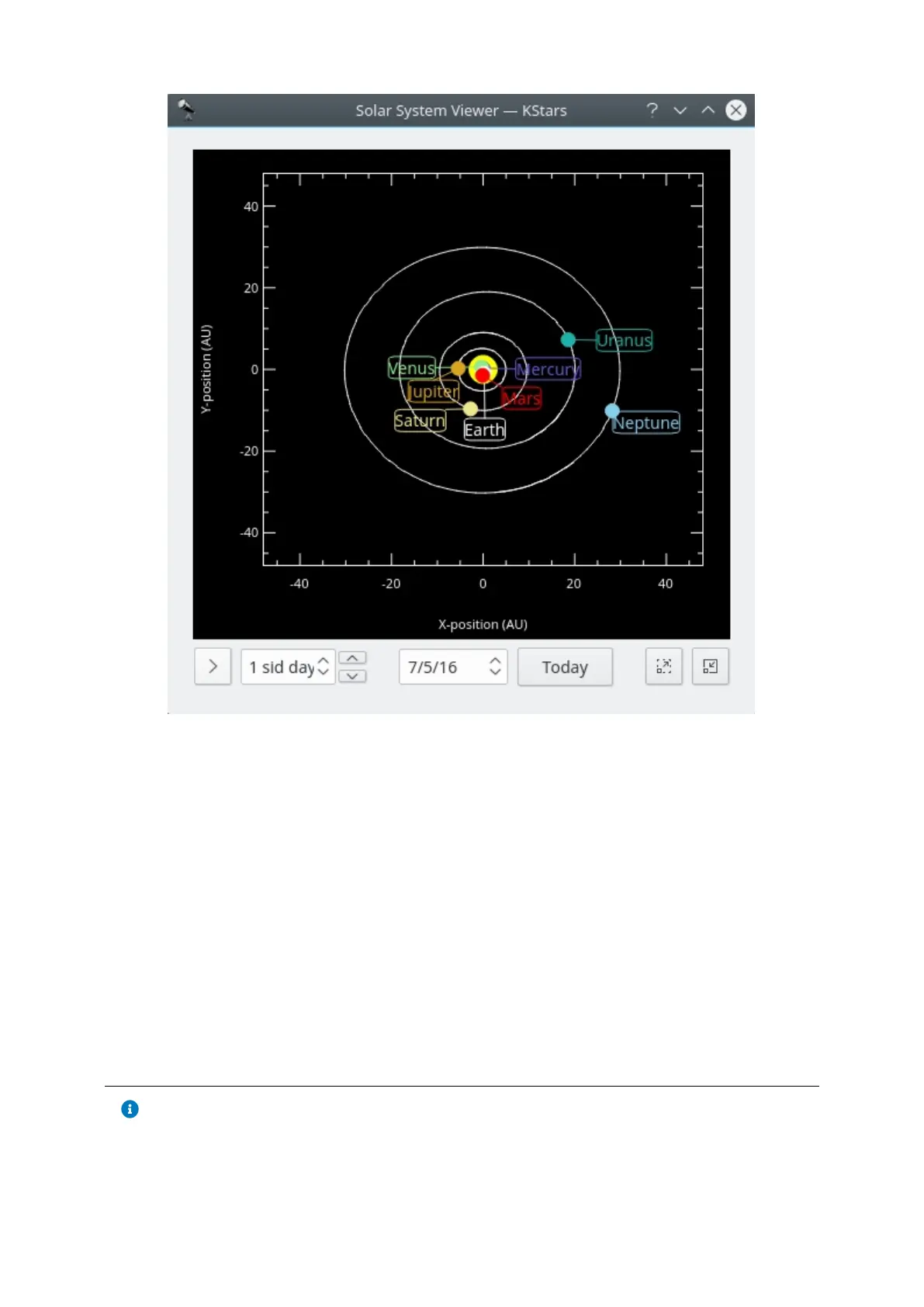
This tool displays a model of our solar system as seen from above. The Sun is
drawn as a yellow dot in the center of the plot, and the orbits of the planets are
drawn as ellipses with the correct shapes and orientations. The current position
of each planet along its orbit is drawn as a colored dot, along with a name label.
The display can be zoomed in and out with the + and - keys, and the display can
be recentered with the arrow keys, or by double-clicking anywhere in the window
with the mouse. You can also center on a planet with the 0–9 keys (0 is the
Sun; 9 is Pluto). If you center on a planet, it will be tracked as time passes in the
tool.
The Solar System Viewer has its own clock, independent of the clock in the
main KStars window. There is a timestep control widget here, similar to the one in
the main window's toolbar. However, this control defaults to a timestep of 1 day
(so that the motions of the planets can be seen), and it starts out with the clock
paused when the tool is opened. You may set the date to now by pressing
the Today button.
Note
The current model used for Pluto's orbit is only good for dates within
about 100 years of the present date. If you let the Solar System clock



 To Next Page