The StellarMate Plus Manual
246 / 341
Once the calibration process is completed successfully, the guiding shall begin
automatically hereafter. The guiding performance is displayed in the Drift
Graphics region where Green reflects deviations in RA and Blue deviations in DEC.
The colors of the RA/DE lines can be changed in KStars color
scheme in KStars settings dialog. The vertical axis denotes the deviation in
arcsecs from the guide star central position and the horizontal axis denotes time.
You can hover over the line to get the exact deviation at this particular point in
time. Furthermore, you can also zoom and drag/pan the graph to inspect a
specific region of the graph.
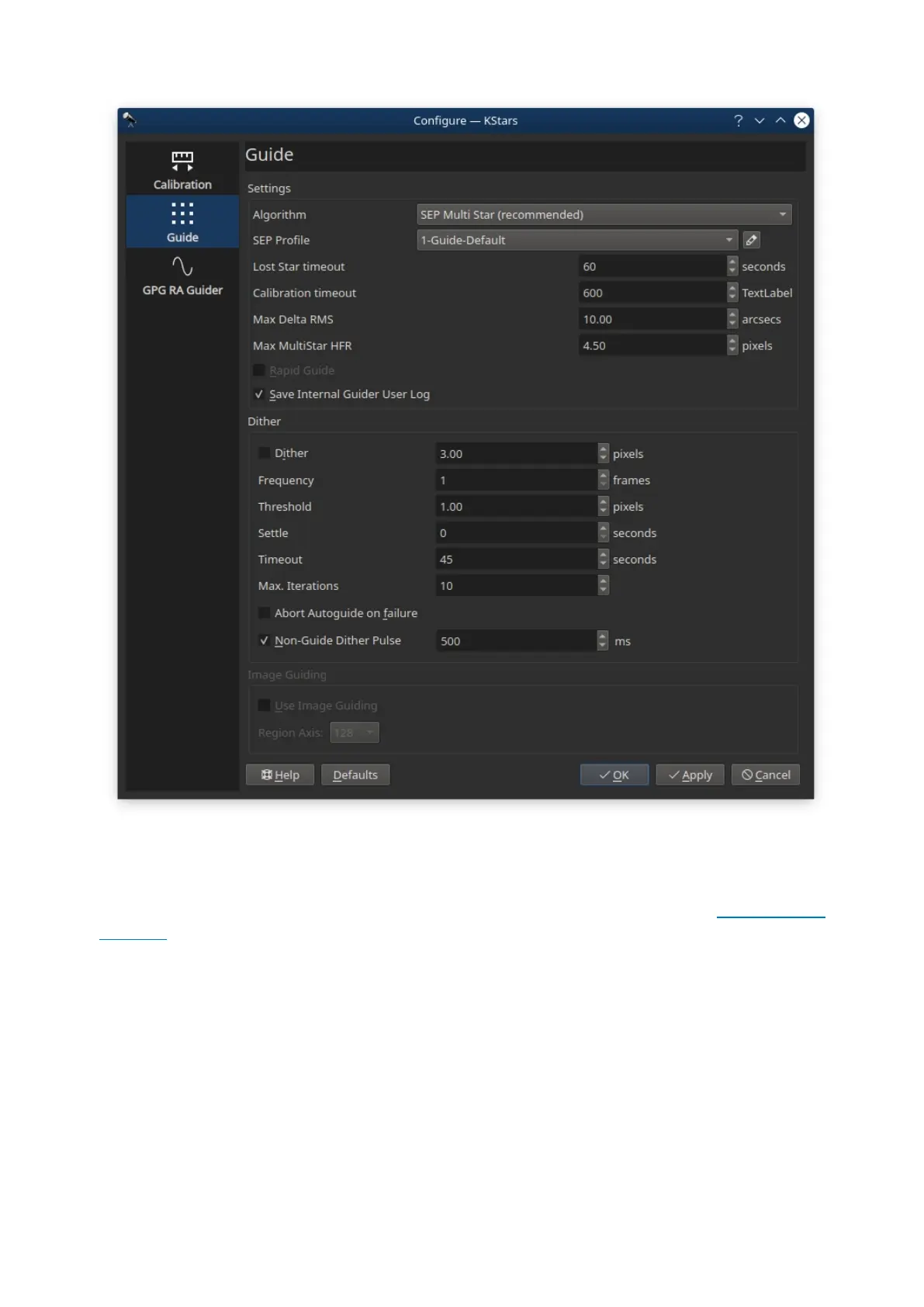
Ekos can utilize multiple algorithms to determine the center of mass of the guide
star. By default, the smart algorithm is suited best for most situation.
The fast algorithm is based on HFR calculations. You can try switching guiding
algorithms if Ekos cannot keep of the guide star within the guiding square
properly.
The info region displays information on the telescope & FOV, in addition to the


 To Next Page