The StellarMate Plus Manual
29 / 341
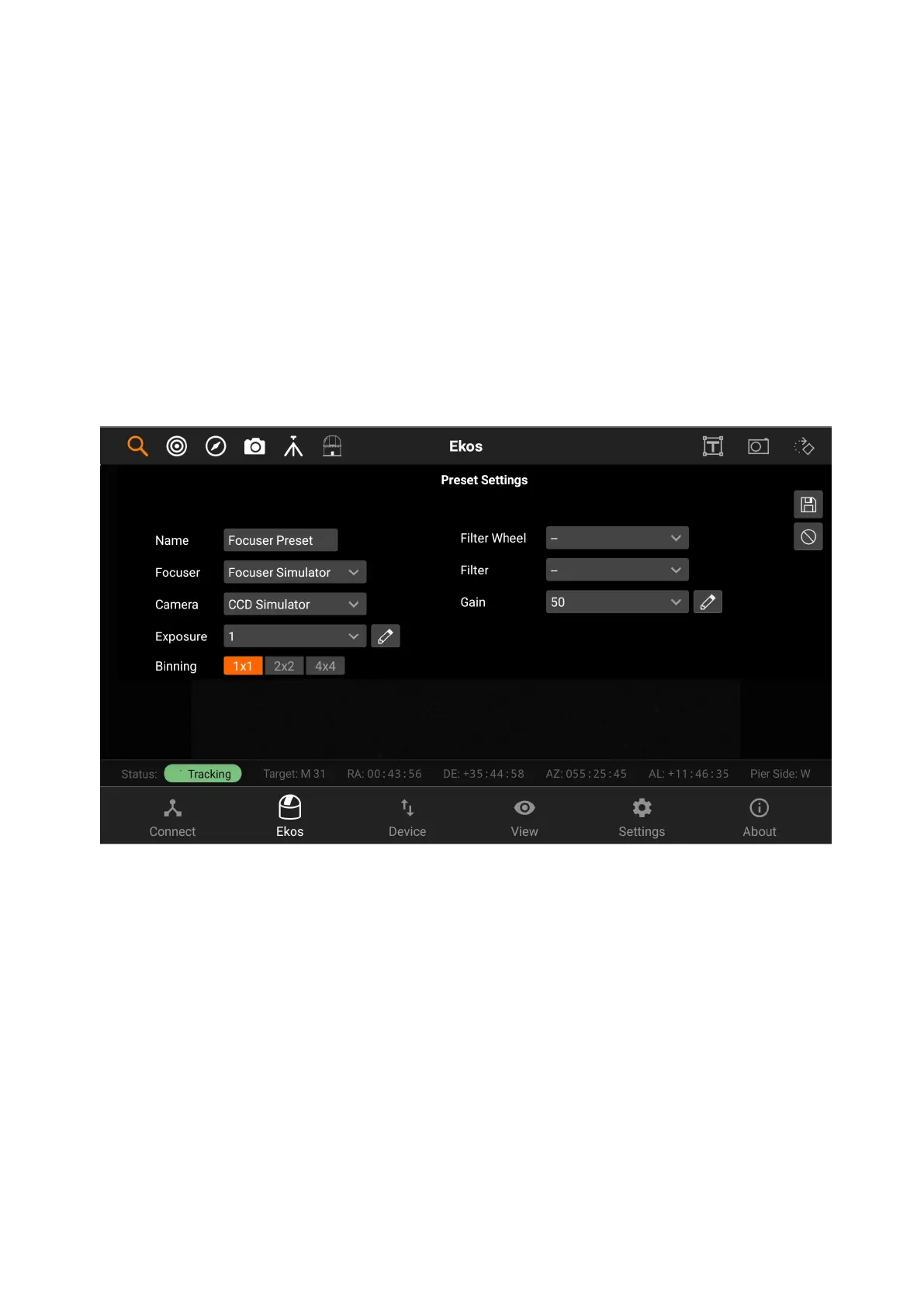
Preset Settings
You can add new preset, edit or delete presets, by tapping on the + button, the
pencil button or the trash button.
Focus Presets has the following structure:
1. Preset name
2. Focuser
3. Camera
4. Exposure
5. Binning
6. Filter Wheel
7. Filter
8. Gain/ISO
Auto focusing
You can do auto focusing by either keeping the preset setting as default or
choosing an existing preset and then tapping on Auto Focus. The image viewer
will show you the current image being captured by your camera, with a square
around the detected star. An HFR Plot is also available on the right side of the
screen to inform you about the current motor step and the HFR (Half-Flux-
Radius). The blue points are the previous focus points, and the green point is the
latest focus point. The HFR value is displayed under the HFR Plot.



 To Next Page