The StellarMate Plus Manual
290 / 341
Kristian Ivanov
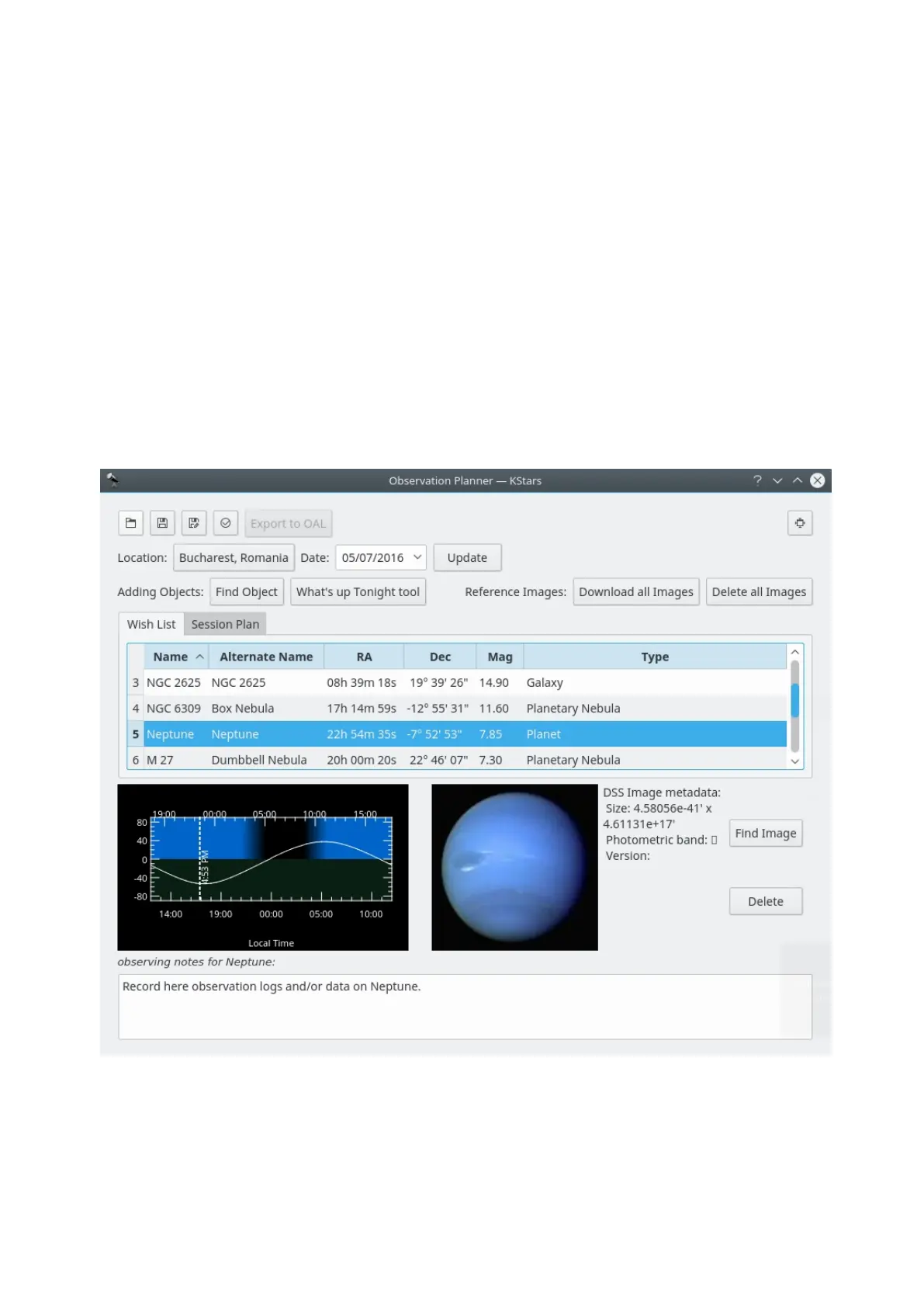
Since KDE SC 4.4, Prakash Mohan's GSoC work has been released
in KStars. KStars now has an awesome observation planner to plan your
observation sessions. The execute session option allows you to log information
about objects as you observe them. Alternately, you may also write a short log in
the session planner itself. We wish you a lot of fun planning your observations
with KStars!
You can even add some pictures to the objects. The image list is a Google image
search list. To add image to an object just press Find Image button on the right
and then find an image that you like. If you do not have an Internet connection
you can open an image from your hard drive. Note that images that will be used
are going to be cropped to 600x600 pixels.
The first way of doing this is by pressing Ctrl+2 or Ctrl+L to open the
Observation List, then press the Add Object button.
The Download all Images button does a search for the SDSS images and displays
the DSS image if the requested RA/Dec is out of the SDSS footprint.



 To Next Page