The StellarMate Plus Manual
45 / 341
· Auto Focus process is initiated.
· Once Auto Focus is complete, the filter is changed to H_Alpha.
· A focus offset of -1200 is applied.
· Capture sequence is resumed.
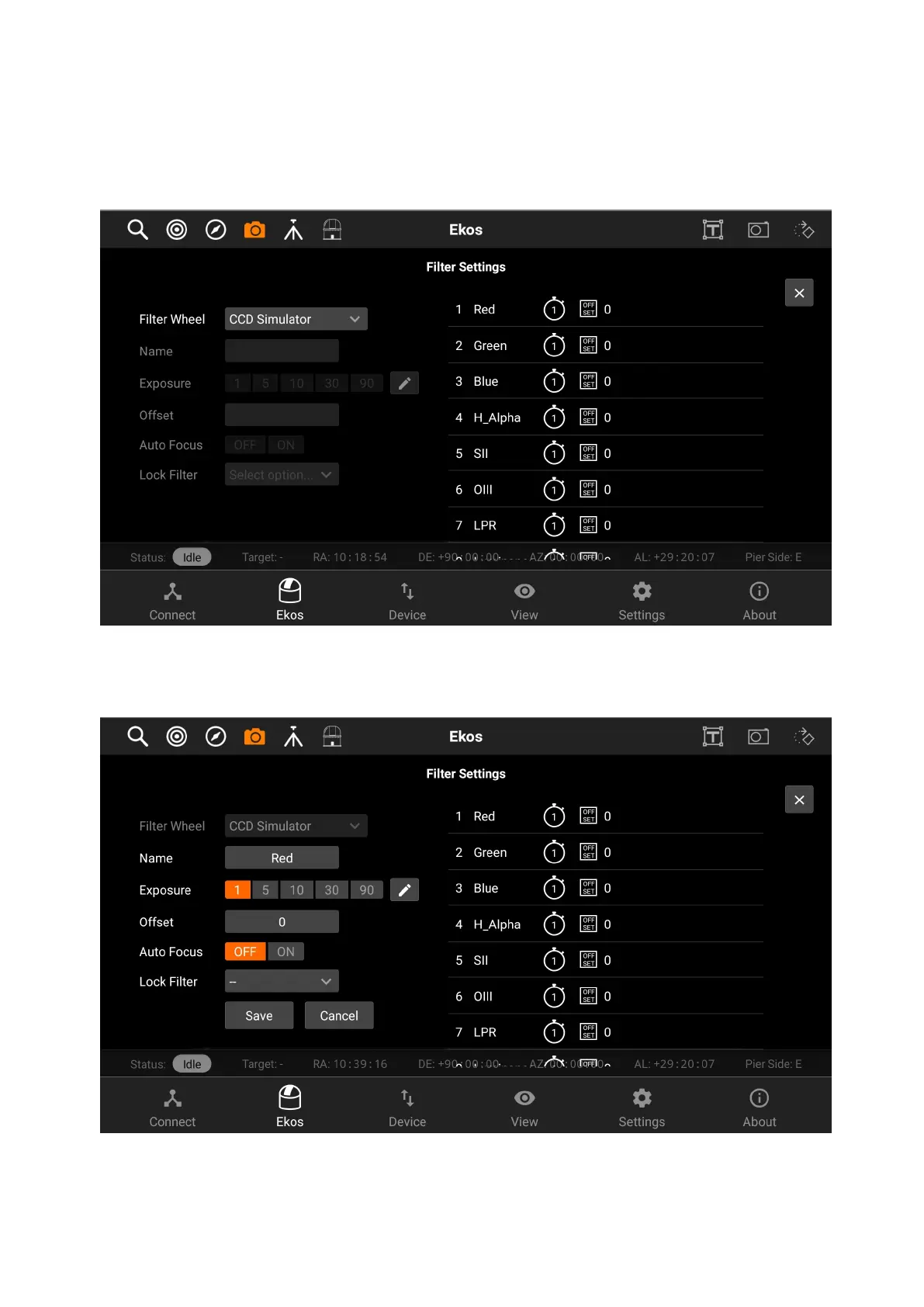
To edit a filter, tap on it on the panel on the right-side of the page. All of its
details will be filled in the panel on the left-side to be edited.
After you edit the filter, tap on the Save button to save the filter settings. The
panel on the right-side will shown the new settings for the filter you just edited.



 To Next Page