The StellarMate Plus Manual
54 / 341
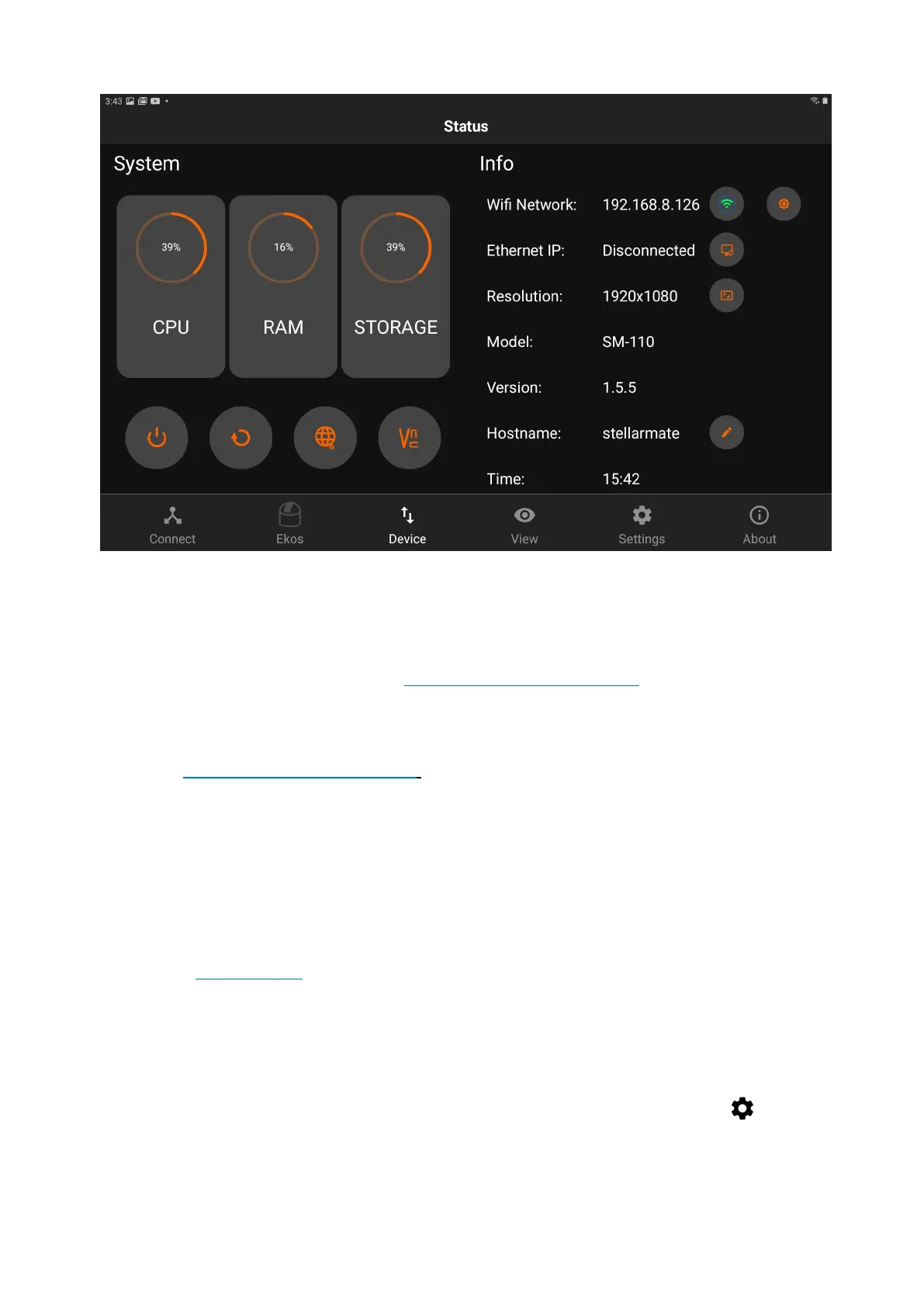
You can perform the following functions:
· Change Name: You can change device name (and its hostname) to another
name without any spaces. For example, if you rename it to myobservatory, the
host name shall be changed to http://myobservatory.local.
· Change IP
· Change Hotspot WiFi band (2.4GHz, 5GHz, or Automatic)
· Connect to WiFi / Forget WiFi
o Connect to Home WiFi: Select a WiFi network as detected by
StellarMate and then supply the password if it is protected. After a
successful connection, please wait up to 2 minutes before using any of
the unit functions again.
o Forget WiFi: WiFi network information is removed and StellarMate
reverts to HotSpot mode (IP Address 10.250.250.10). If the Unit is
connected to your LAN via Ethernet, you can still access it via its LAN
IP address like before.
· Access Web Manager
· Access VNC Viewer
· Restart Device
· Shutdown Device
Changing Hotspot WiFi Band
You can change the Hotspot WiFi band by clicking on the settings button
next to the WiFi Band label.



 To Next Page