The StellarMate Plus Manual
94 / 341
Every time the StellarMate Mobile App is connected to StellarMate, it syncs both
time and location information from the tablet/phone GPS. If the SM App is not
used (for example, when using Ekos on a PC/Mac), then StellarMate relies
primarily on RTC as the time source.
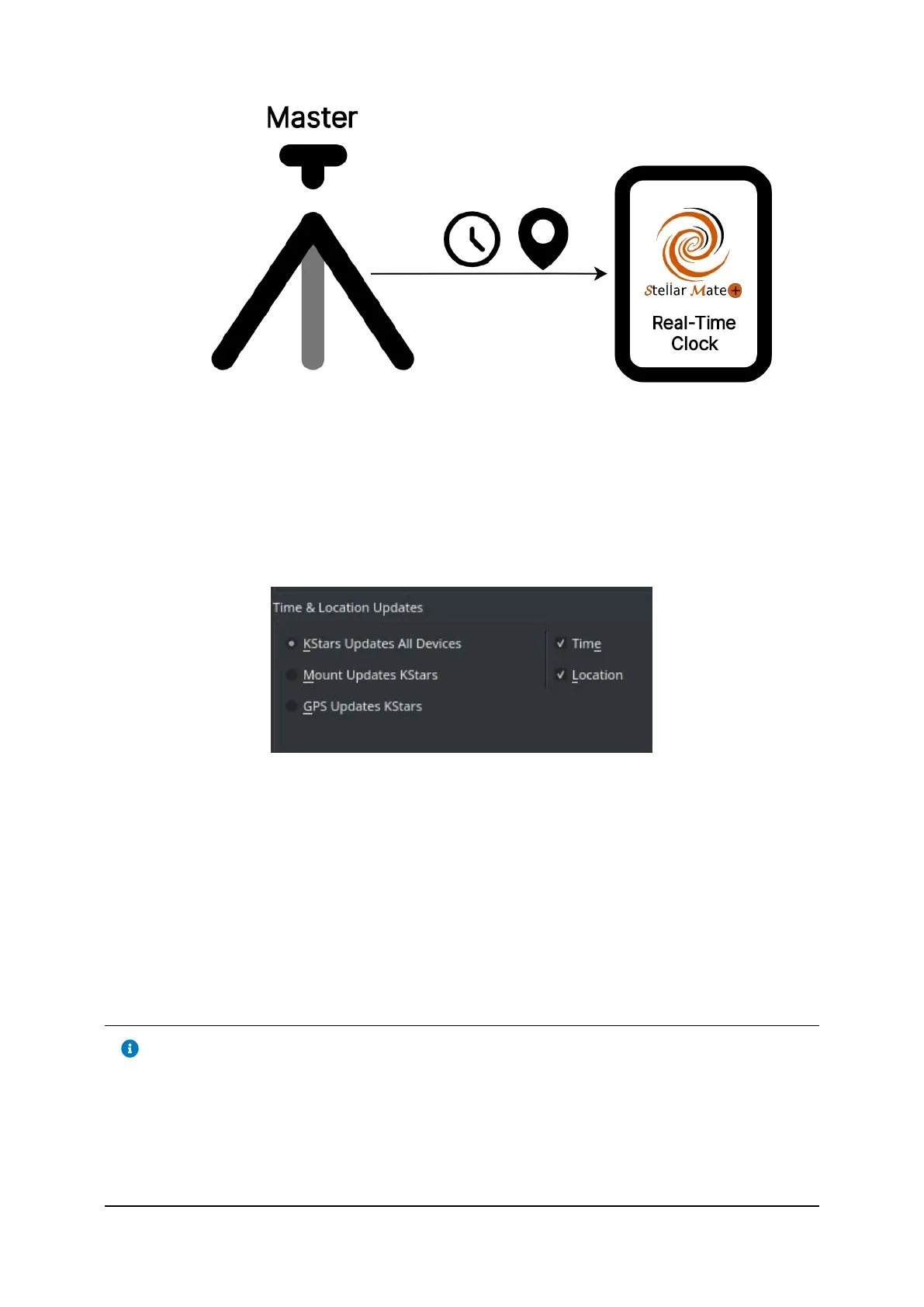
In KStars, it is possible to specify the Time Source. Click on Settings → Configure
KStars → INDI.
By default, KStars is the source of all time and location information. The KStars
time depends on the system time for StellarMate, and therefore depends on the
RTC. If StellarMate is connected to the internet, the system would also
synchronize the time to online time servers and synchronize the RTC clock
accordingly. Now both the internet time and RTC clock are again in sync to
account for any drifts that might build up in the RTC.
After connecting the SM App to StellarMate, the KStarsʼ location is updated to the
tablet/mobile GPS location. You can also change the KStars location from
Settings → Geographic and then select or add a new location.
Tip
You can use StellarMate App to quickly synchronize StellarMate Plus
time and location. The time and location are automatically set whenever
the App communicates with StellarMate. Afterwards, you may continue
to use the SM App, or use Ekos to setup your astrophotography
workflow.



 To Next Page