26
2.5.3.6 "Settings" button
2.5.3.6.1 Basic settings
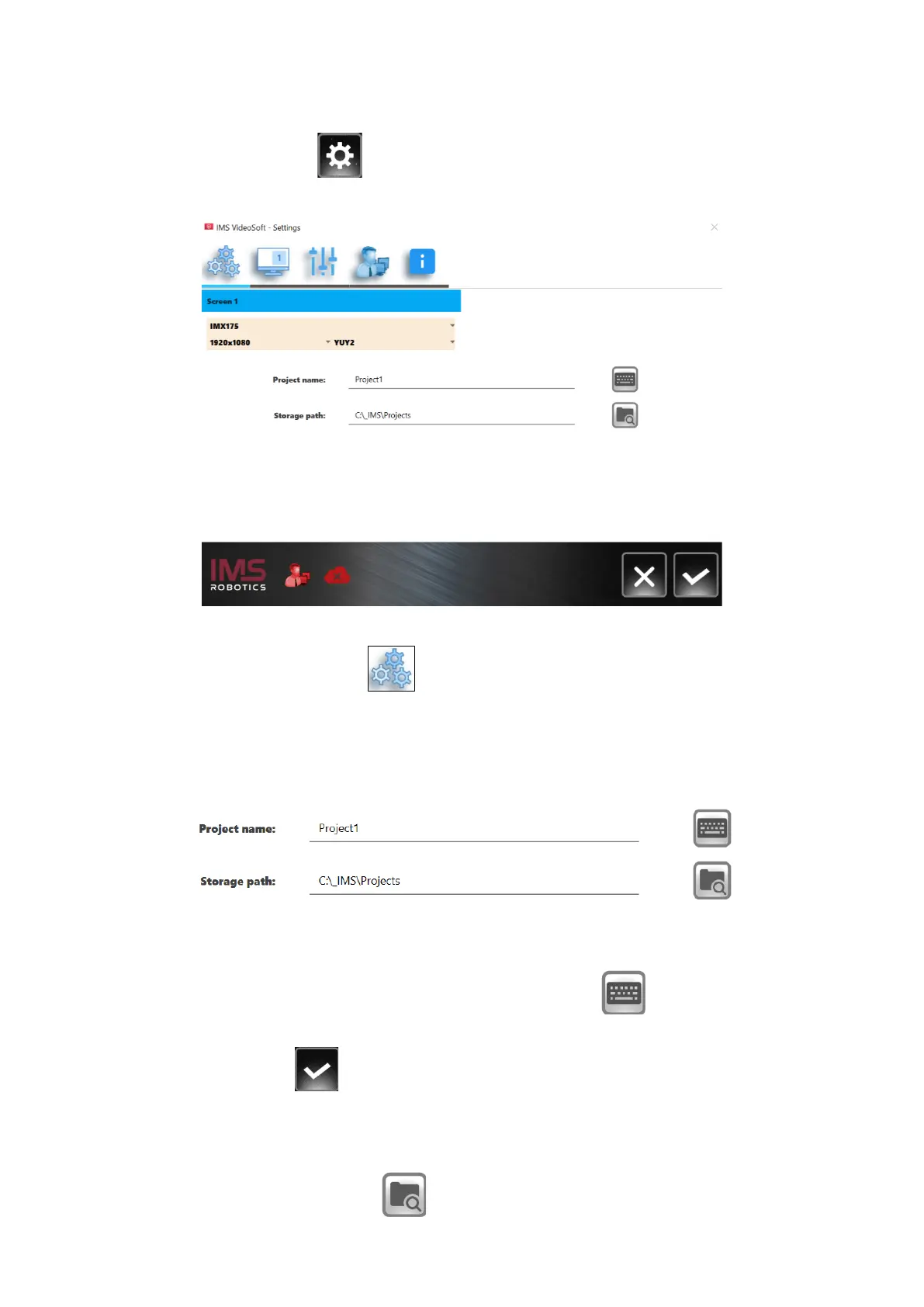
Press the "Settings" button to open the settings menu.
You will first be taken to the page where various basic settings are made.
Most fields are predefined by the manufacturer of the system. Only the fields "Project name"
and "Set the Path" are of general interest on this page.
New projects can be created in the "Project name" field. Image and video files are then
stored under this name. Press the button for the virtual keyboard to make entries. The
virtual keyboard now opens. You can also make entries via an external keyboard.
Press the "Save" button to confirm the entry.
The file path under which the projects are saved is defined in the "Set the Path" field.
For this, press the "Browse" button . This will open Windows Explorer and you can
define a folder for storing the projects. If no path is selected, the projects will be stored in the



 To Next Page