64
6.5 XML
The OPTImizer
2
will respond to manual XML commands. To access XML command mode, select the
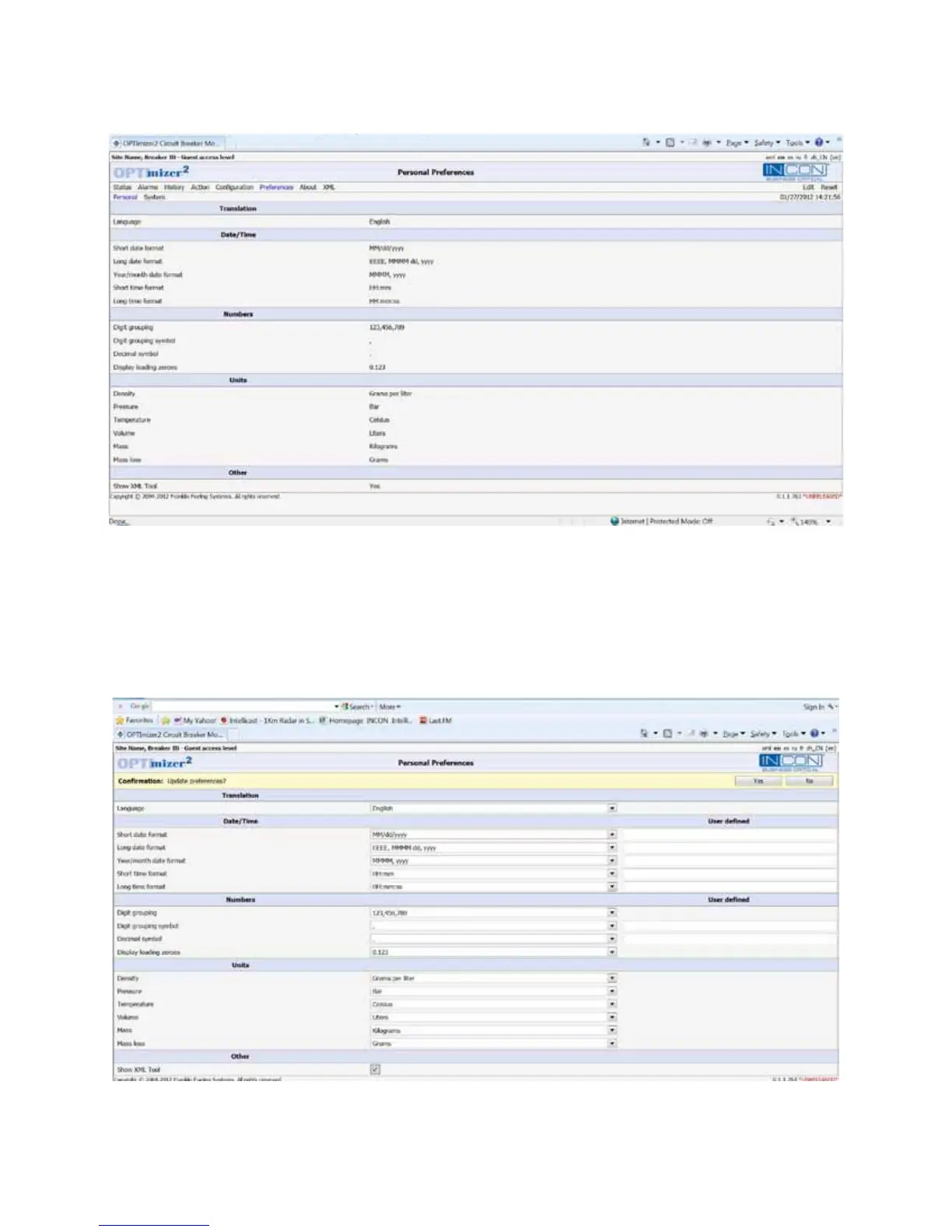
PREFERENCES page. Click on “EDIT” in the upper right.
Figure 30: User Interface, Preferences Page
Check the box next to “Show XML Tool”.
Click “Yes” to update the preferences.
Enter the Administrator’s password if prompted.
Figure 31: User Interface, Editing the Preferences Page



 To Next Page