65
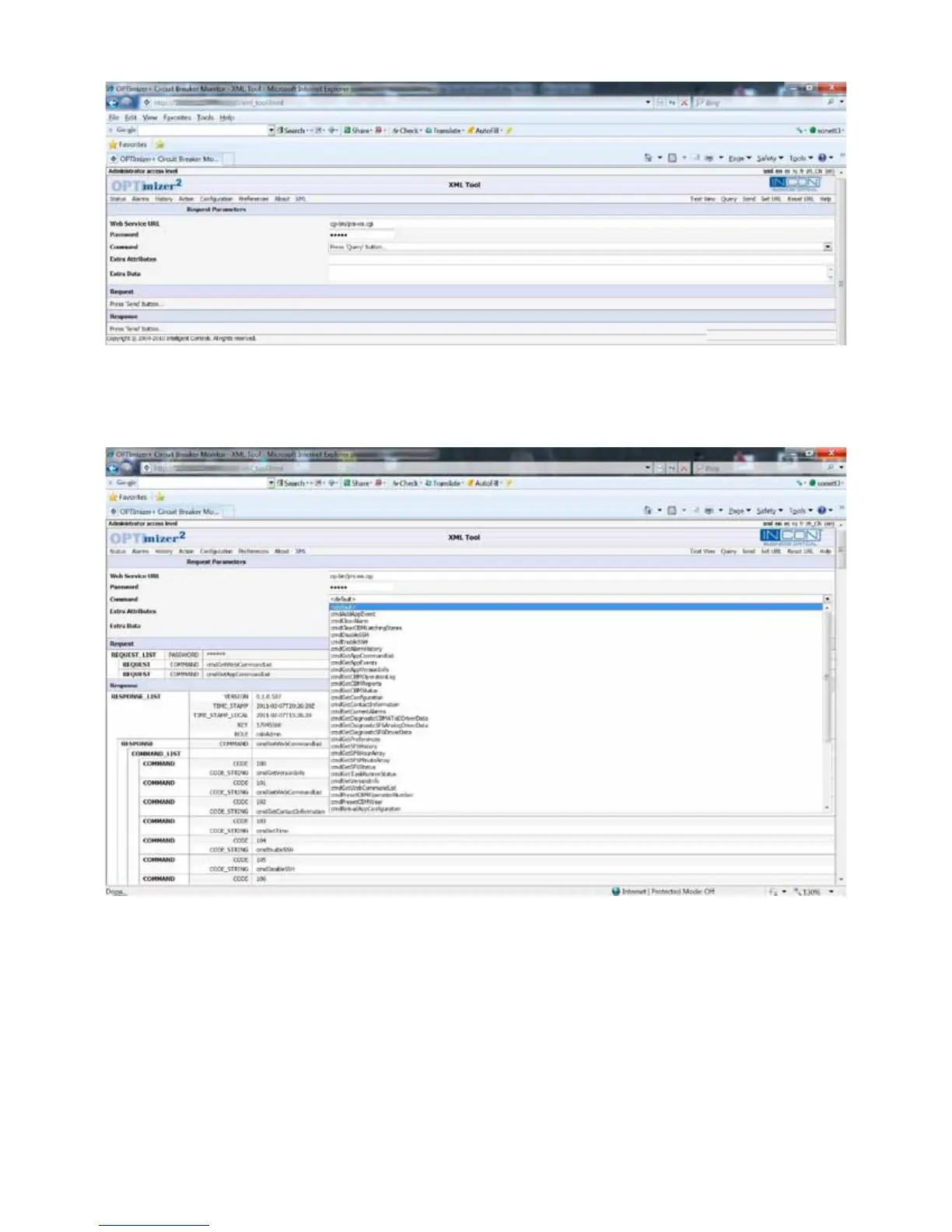
Figure 32: User Interface, XML Page
Click “Query”. The Command eld can now be pulled down and an XML command selected. Click “Help” to view an
explanation of the command and its proper syntax.
Figure 33: User Interface, XML Command Access
Once selected, a command can be executed by clicking “Send”. The response will be listed in the lower portion of the
window.



 To Next Page