iNetVu
®
Mobile Installation Manual Page 38 of 93
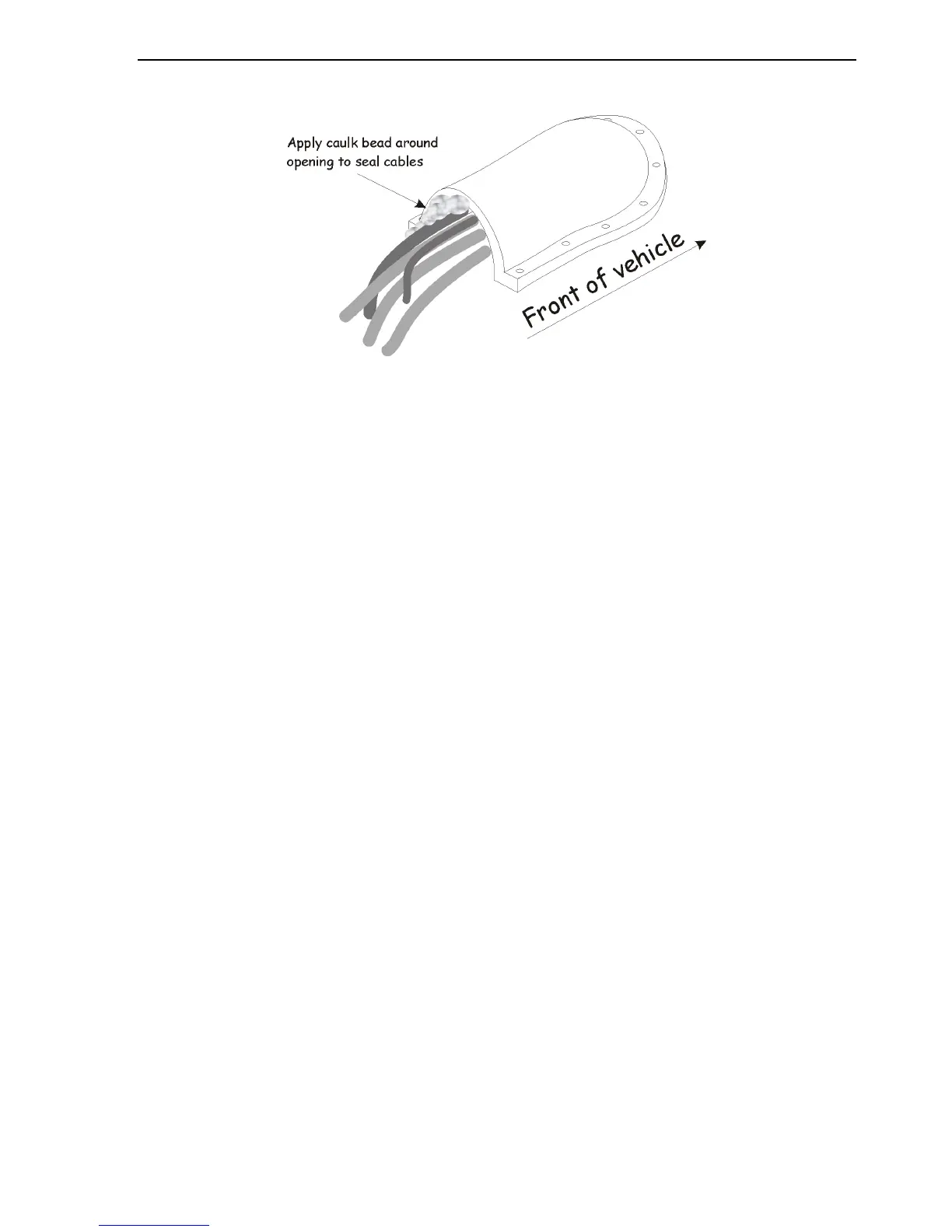
Apply a bead of caulk around the opening to seal the roof entry point.
Fig. 20: Weather proofing the cable entry point with a “clamshell” fitting
Note: Clamshell fitting is not sold with any C-COM iNetVu® products and is merely a
recommended method of waterproofing the roof top cable entry point.
21. Run the cables neatly inside the vehicle to the iNetVu® Controller. System wiring is
described later in a later section.
22. Congratulations! Direct installation has been successfully completed.



 To Next Page