iNetVu
®
Mobile Installation Manual Page 84 of 93
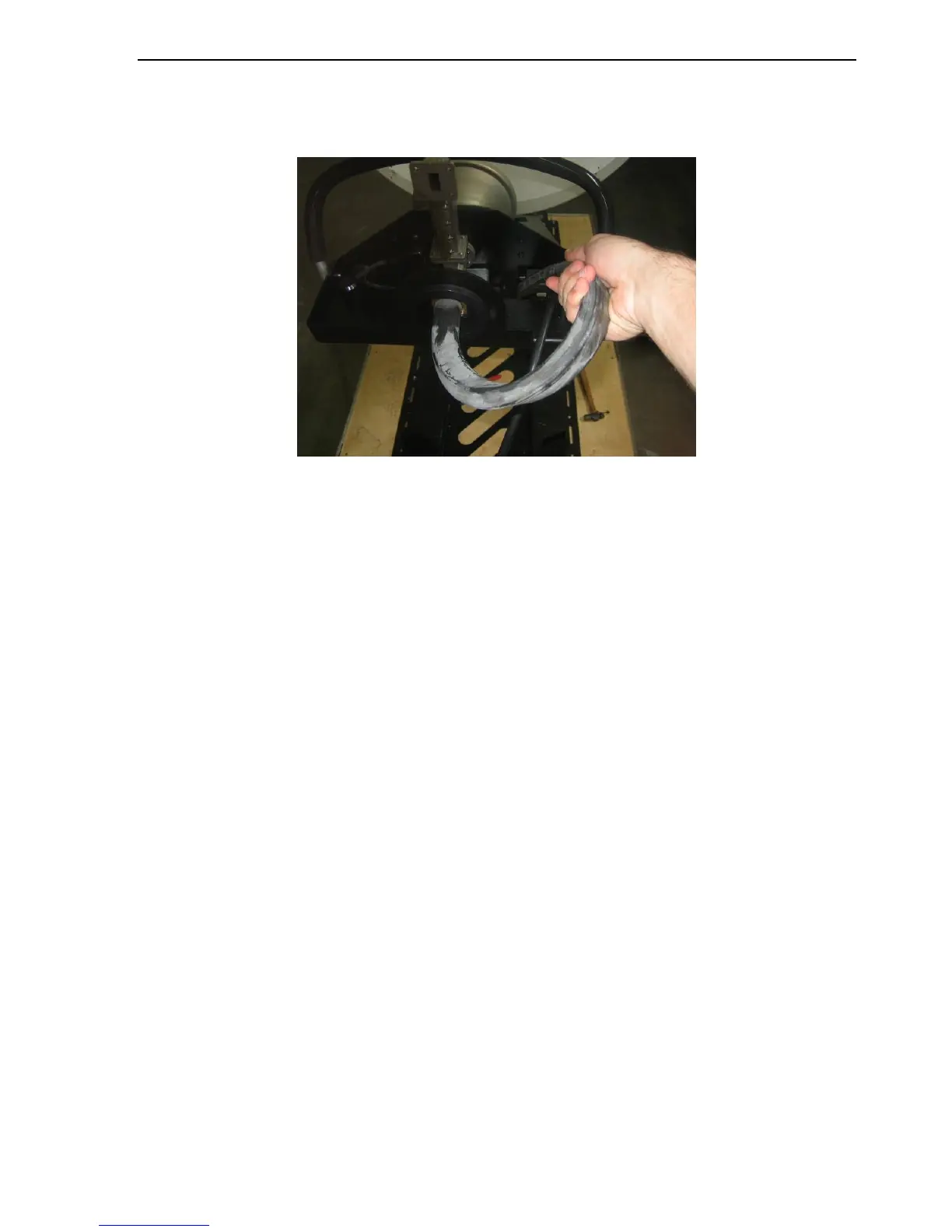
11) Slide the wave guide through the opening on the polarization cage as depicted in the
figure below. Ensure the wave guide will not get in the way of the OMT if the system
polarizes to -90 degrees.
12) Congratulations, you have successfully installed the new polarization cage assembly.



 To Next Page