iNetVu
®
Mobile Installation Manual Page 90 of 93
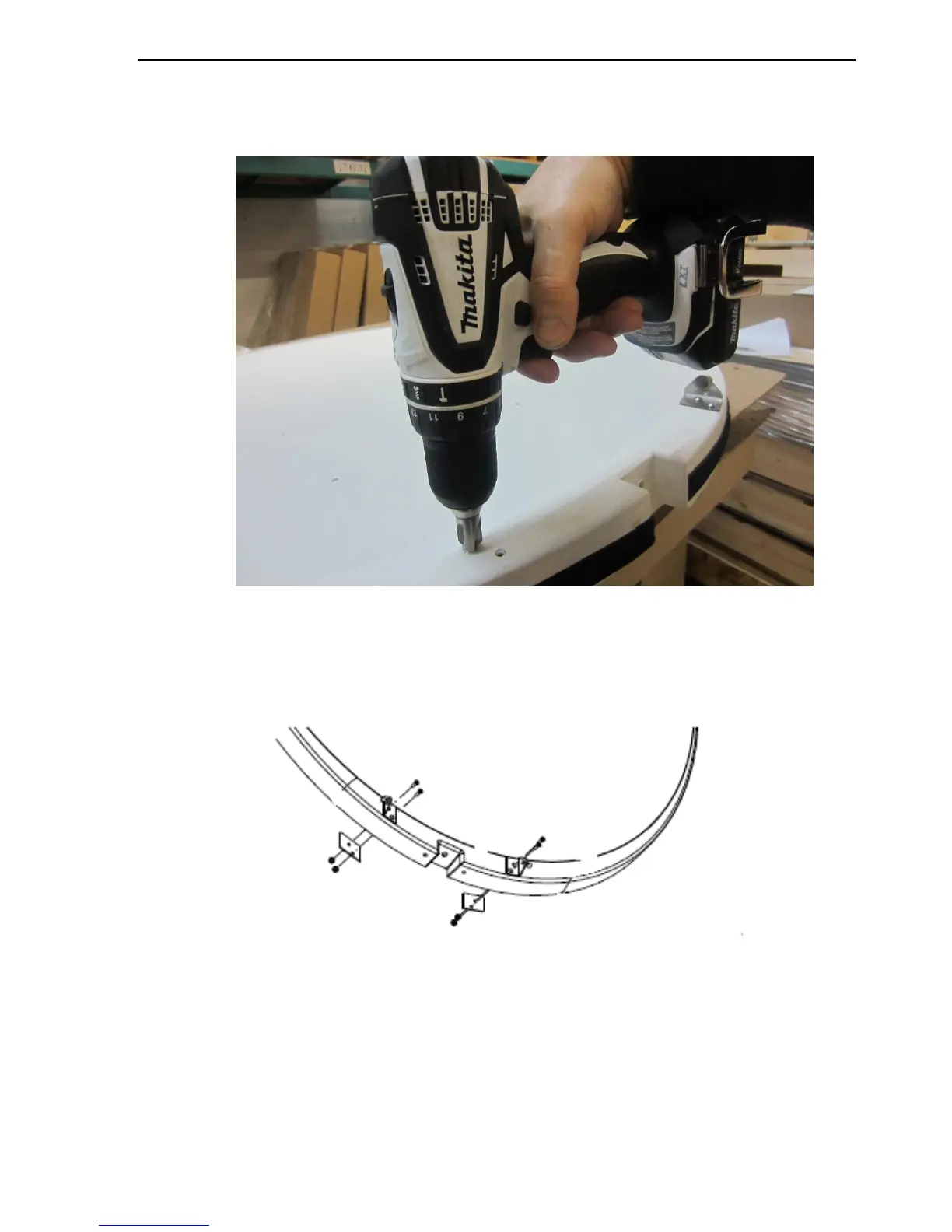
3. Slightly counter sink the existing holes for the mounting brackets assemblies on the
face side of the reflector (Mounting Bracket side). Ignore if this is already done on the
reflector.
4. Align the backing plates on the back of the reflector with the mounting holes of the gas
spring brackets as depicted. Install and tighten the two (2) lower screws closest to
reflector edge
Fig. 76: Correct Gas Spring Bracket orientation



 To Next Page