iNetVu
®
Mobile Installation Manual Page 91 of 93
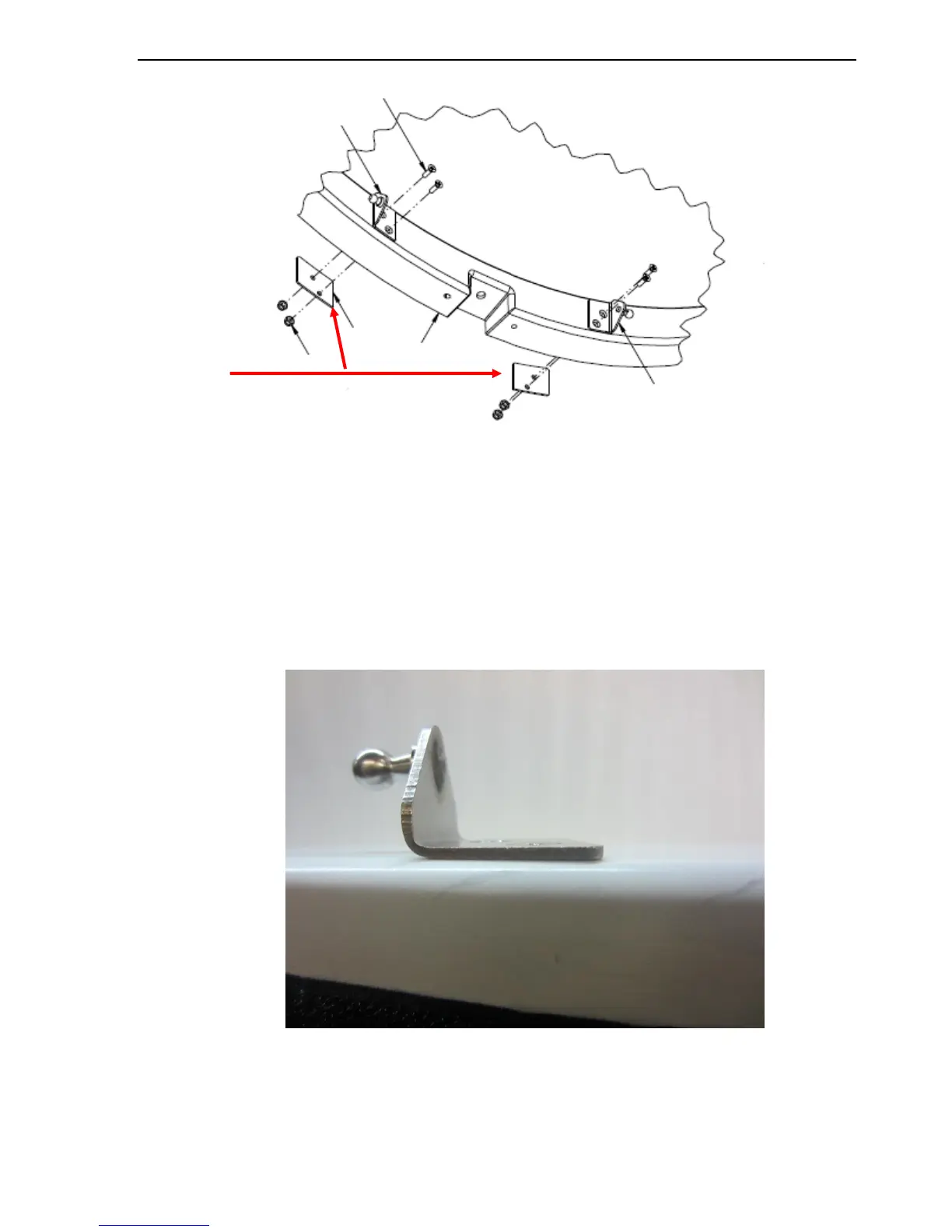
Fig. 77: Backing plate location
5. Insert and tighten the two (2) upper screws.
Note: No washers installed with brackets.
6. Ensure the screws on the front mounting bracket (with stud) are sub flush of the
brackets.
Fig. 78: Correct Mounting Bracket Assy with screws sub flush of the Bracket



 To Next Page